The future of hardware development
Wed 4 Nov 2026 · 6 min read
A software team can write a change in the morning, test it at lunch and ship it before evening. A hardware team sends a board to the factory, waits two weeks, finds a swapped pin on the bench and starts again. The difference is not talent. It is the tools, and how far apart they keep the people, the design and the machines that make it.
That is changing. Simulation is fast enough to run on an ordinary laptop, desktop machines can mill a circuit board in an afternoon, and AI can finally read a design instead of only talking about one. This post is about where hardware development is going - and why we are building Litmux Studio to get there.
Why hardware is still slow
A typical electronic product passes through many separate programs before it exists: one for the schematic, one for the board layout, one for simulation, one for the enclosure, one to prepare the files for the machine, a spreadsheet for parts and costs, and an editor for the firmware. Each speaks its own file format. Every hand-off is an export, an import and a chance to lose something - a changed footprint that never reached the enclosure, a part that went out of stock after the board was drawn.
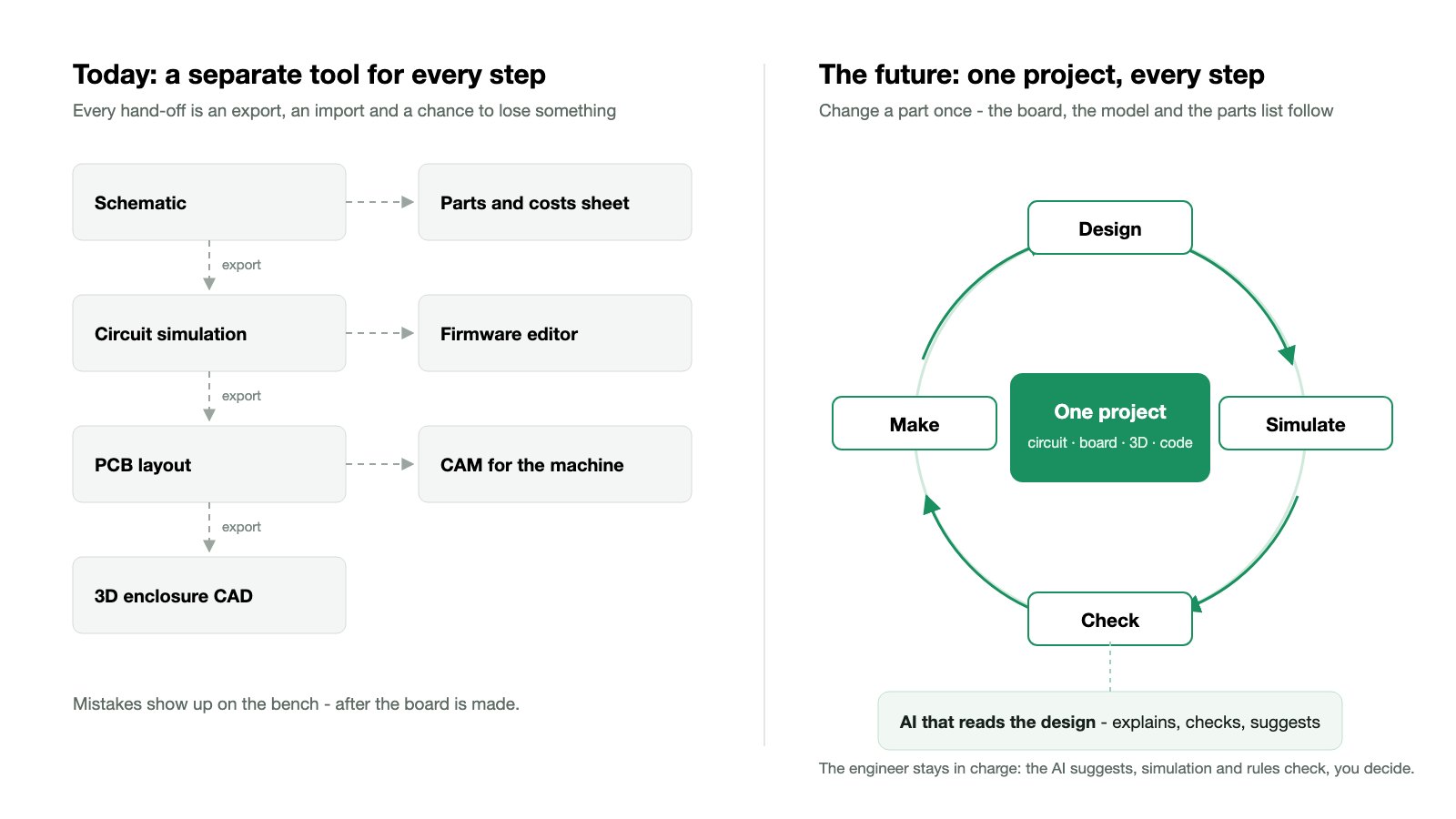
Most mistakes are found late: on the bench, after the board is made. A trace too thin for its current, a regulator that runs too hot, a connector on the wrong side of the case. Each one costs a new board and another two weeks.
For engineers and makers in much of the world, including here in Ghana, the costs are higher still. Licences are priced in dollars, parts travel a long way, and a design tool that only works in the cloud is a tool that stops when the internet does.
What the future of hardware development looks like
One project, from idea to the made thing
The circuit, its board, its 3D model, the program on its microcontroller and the toolpaths for the machine that makes it should be one project, not seven files. Change a part once, and the board, the model and the parts list follow. Nothing is exported just to be imported again.
Simulate first, build once
The cheapest mistake is the one caught on the screen. Run the circuit and its code before the first part is soldered. Check the board for heat and for interference before it is ordered. Test the robot's program on a simulated robot before it moves a real arm. Every loop that happens on the screen instead of on the bench saves days.
AI that reads the design
The useful AI for engineers is not a general chatbot that knows a little about everything. It is an assistant that reads your actual schematic, your board and your program - and then explains what a part does, finds the mistake you missed, suggests a fix and does the repetitive work you would rather not.
It has to stay honest about what it is: a fast, tireless colleague whose work still gets checked. The engineer decides. The rules, the checks and the simulation confirm.
Machine learning where the data is
Machine learning is only as good as the data behind it, and hardware has plenty: datasheets, proven layouts, test results, the boards that worked and the ones that failed. Used with care, it will help choose parts that are actually in stock, flag a layout that looks like ones that failed before, and turn a rough sketch into a first draft. These are early days, and the tools that win will be the ones that learn from real engineering data and say clearly when they are unsure.
Make it close to home
Desktop CNC routers mill prototype boards the same afternoon. Laser cutters and 3D printers make the enclosure. When the design tool speaks directly to these machines, a workshop, a school lab or a small company can go from idea to working prototype without waiting for a factory - and order from one only when the design is proven.
Learning built in
The engineers who build this future are learning now. They learn best by doing: wiring a circuit and watching it run, programming a PLC and seeing the plant respond, breaking something in a simulation where breaking things is free. The tools professionals use and the tools learners use should be the same tools.
Why we are building Litmux Studio
We are engineers. We design circuit boards, mill prototypes on CNC routers and work with automation every day. And every day we switched between a dozen programs - many too expensive for the students, makers and small workshops we work with, and most of them needing an internet connection we could not count on.
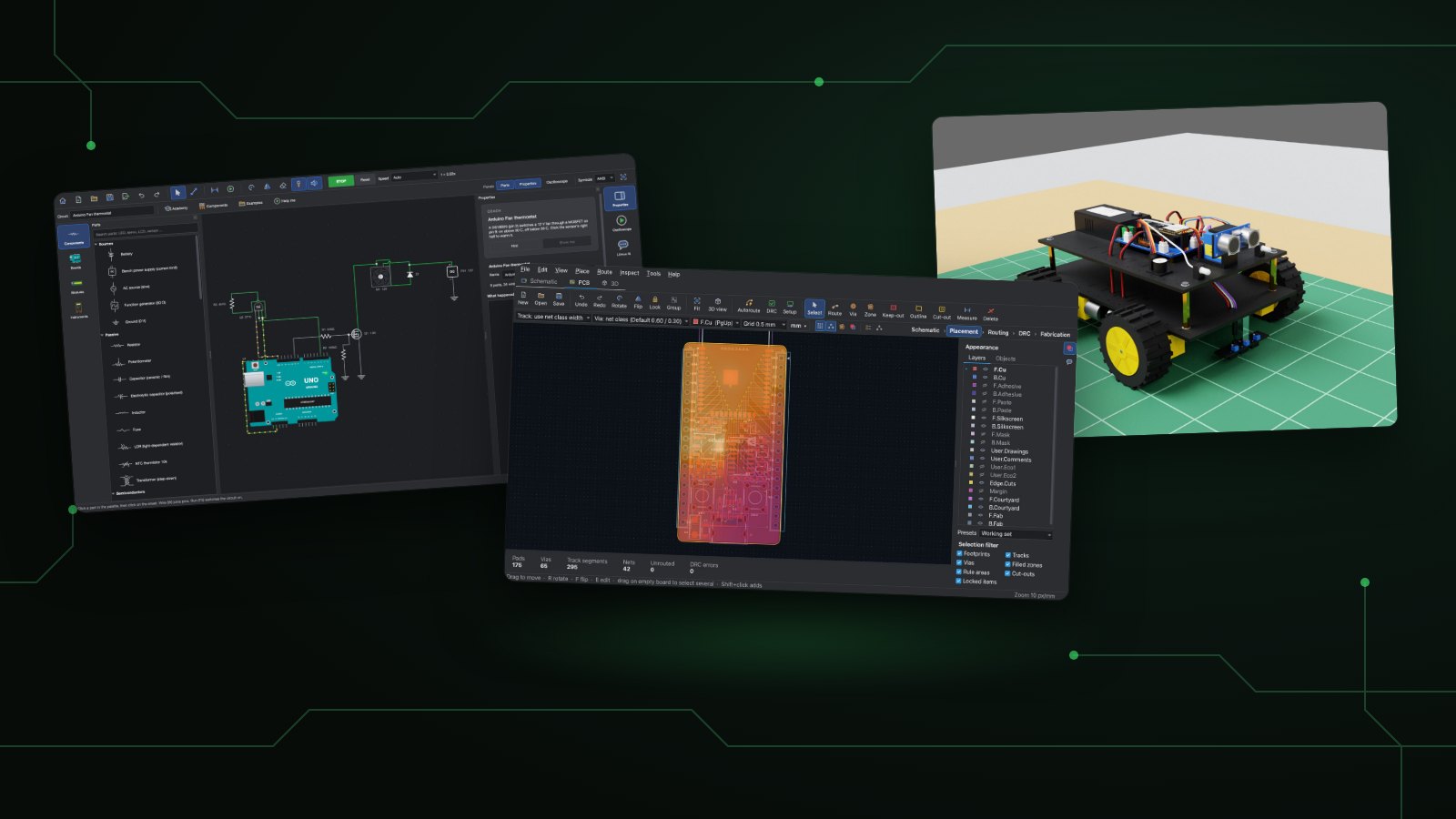
So we started building the tool we wanted: one app to design, make and automate. Litmux Studio already brings together:
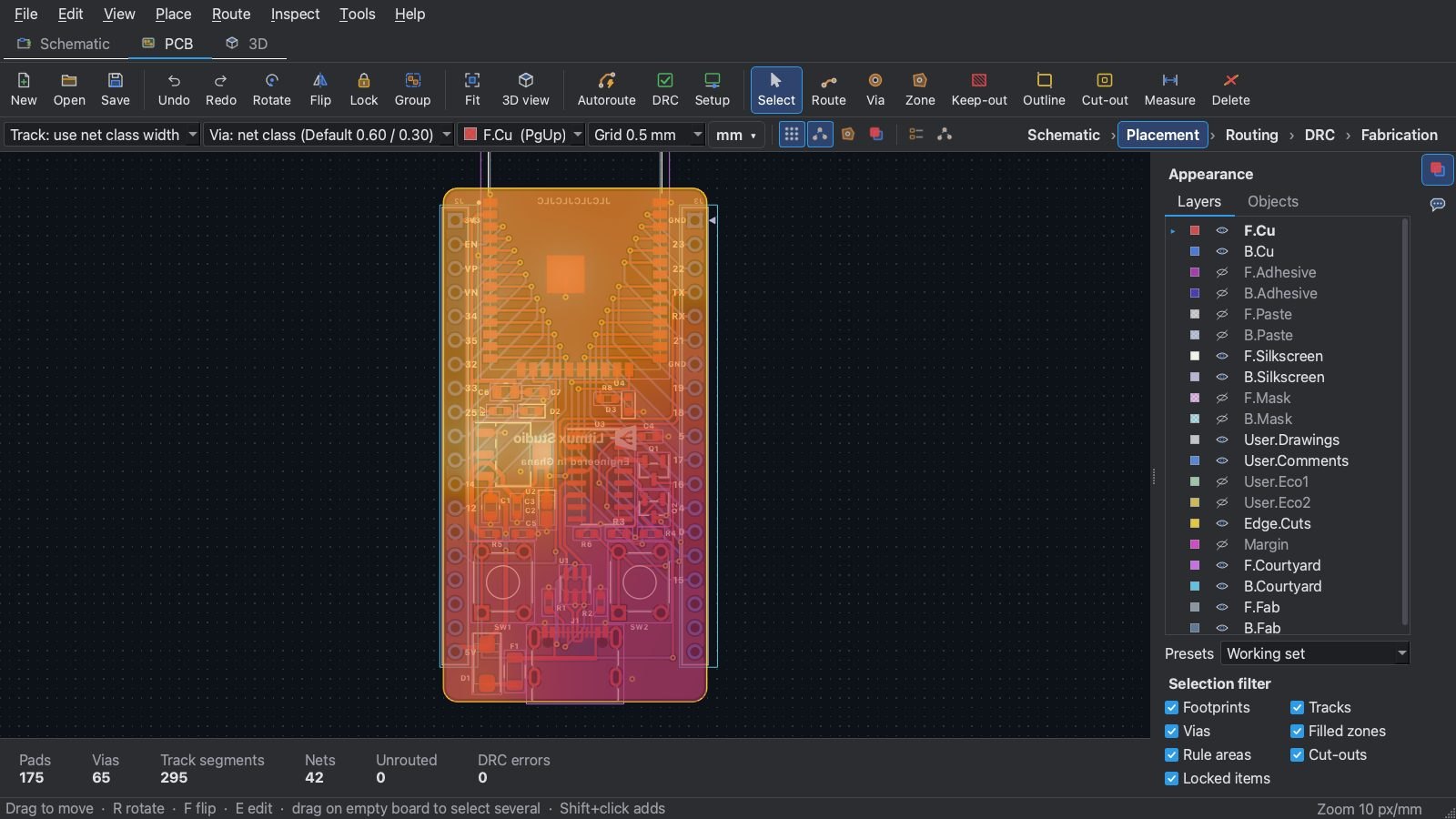
- PCB design: a schematic editor, board layout with an autorouter and design-rule checks, EMC and thermal analysis, and production files to order boards from a factory.
- PCB milling: toolpaths from your board for your own CNC router, in a plain G-code dialect that offline controllers accept.
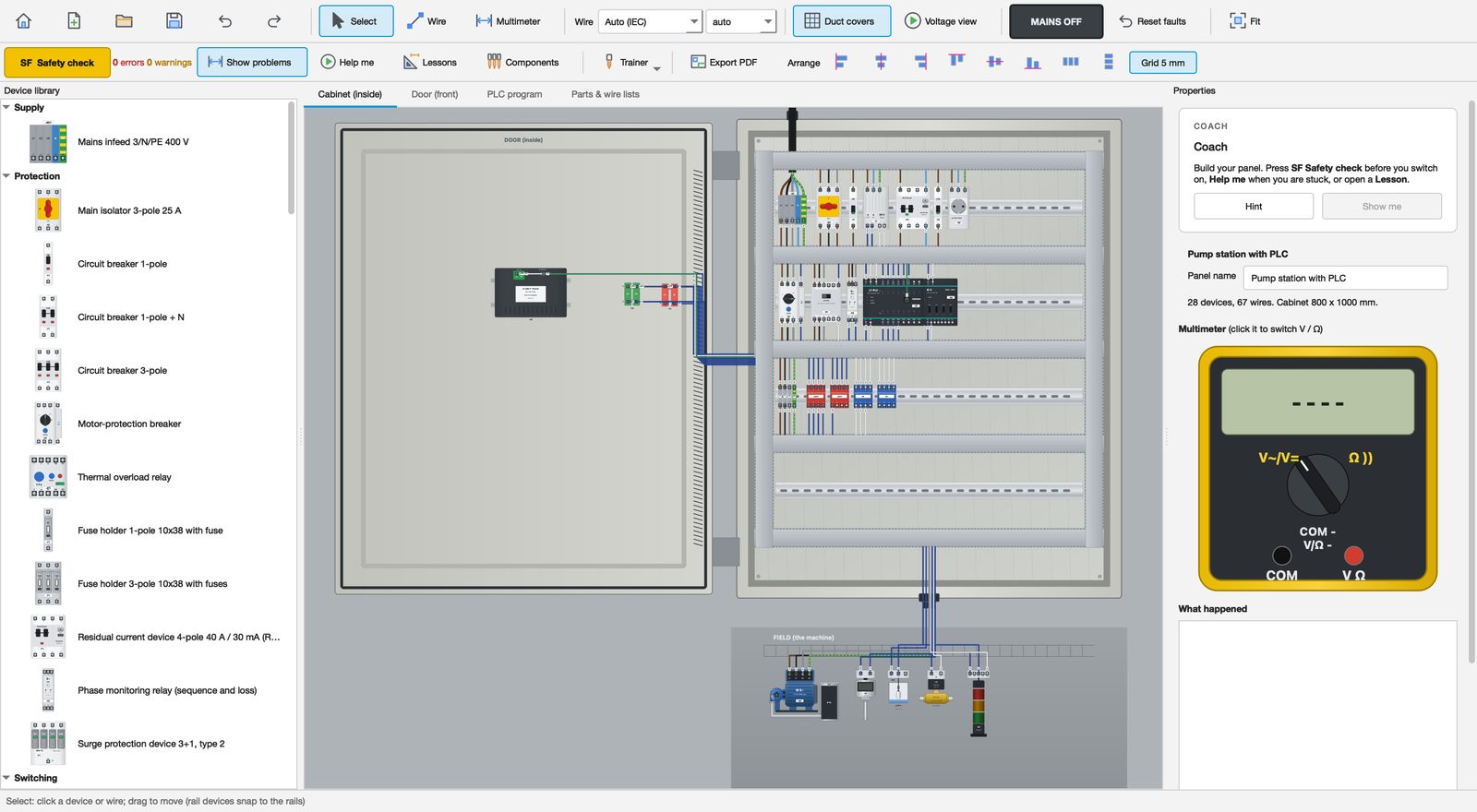
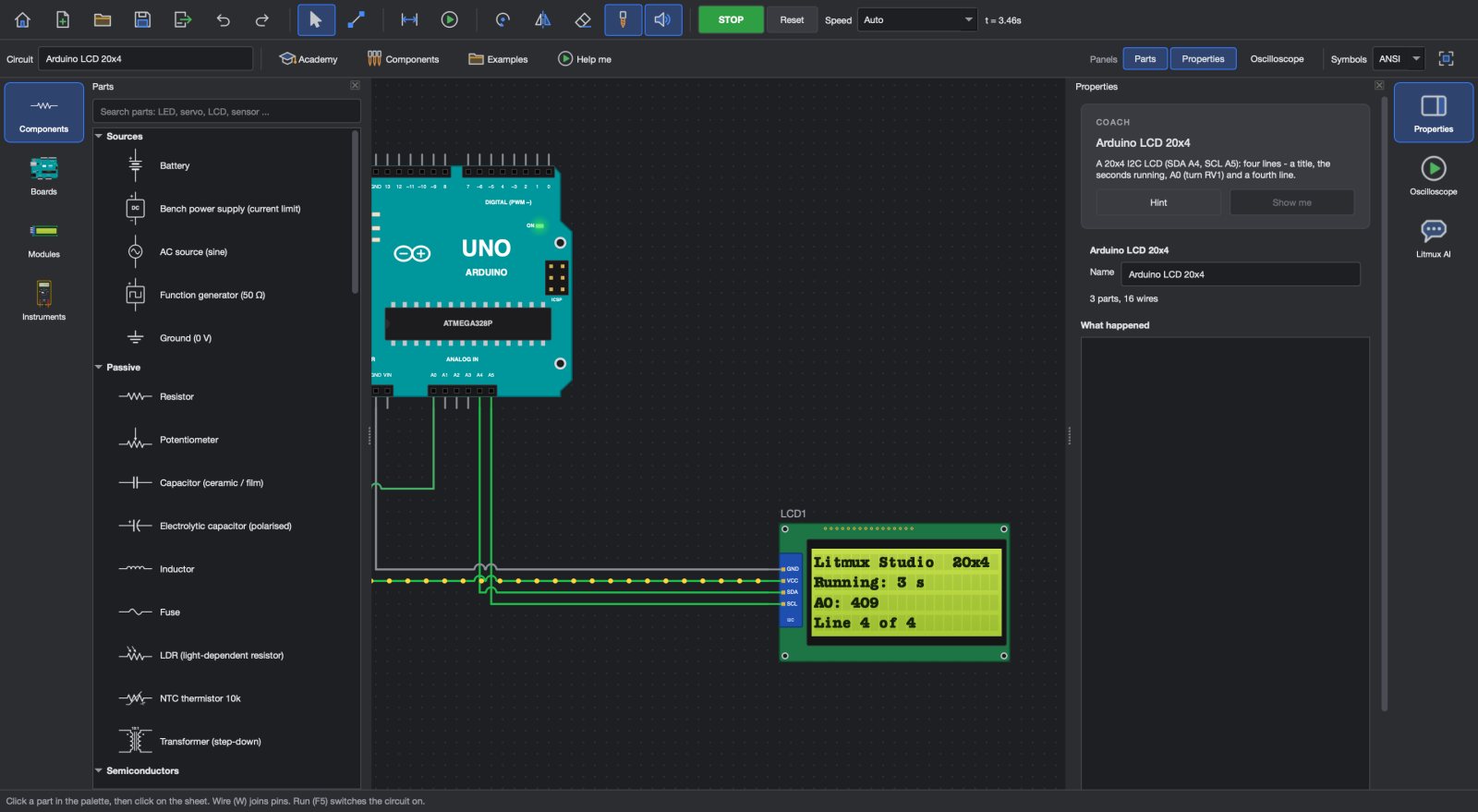
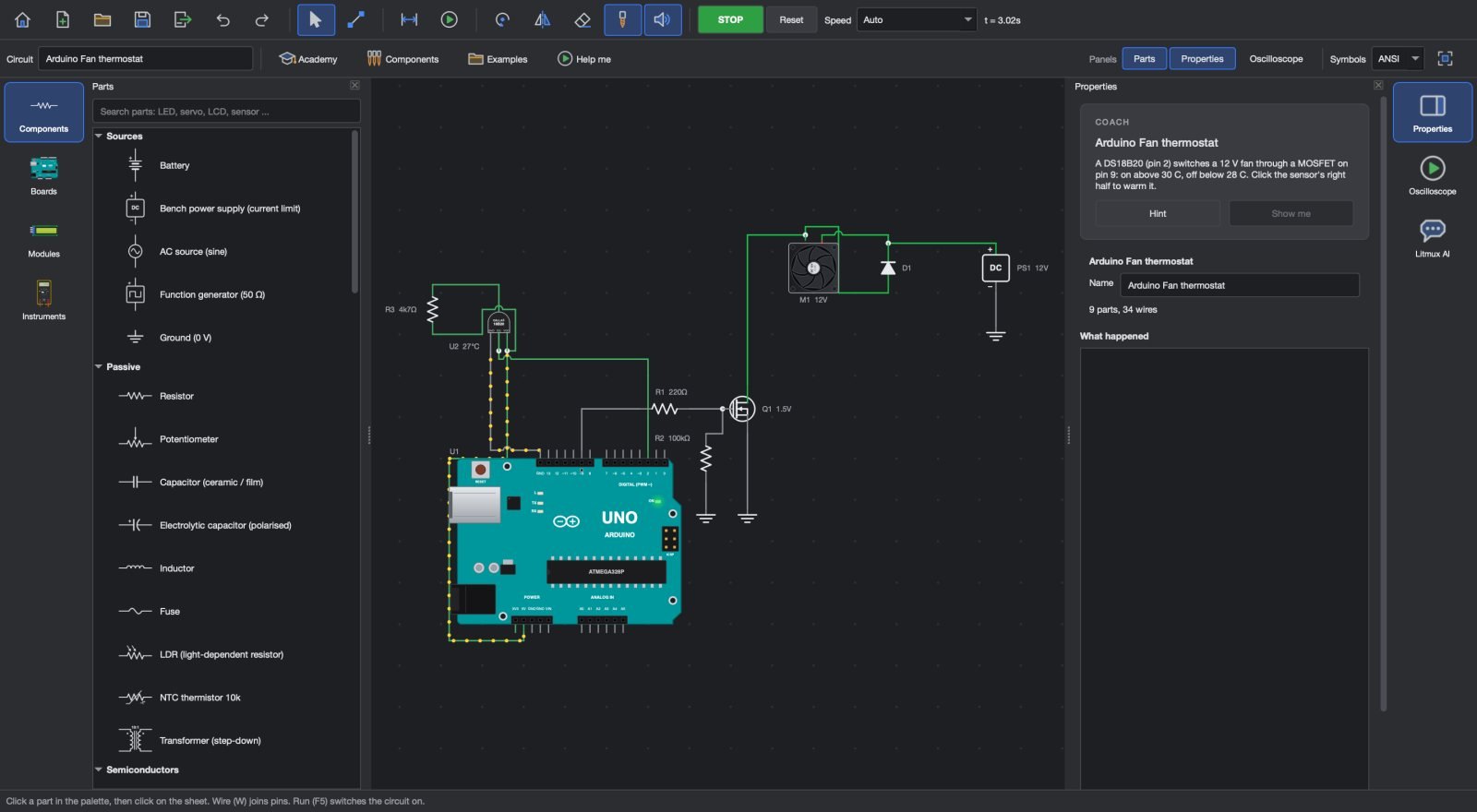
- Electronics: a circuit and Arduino simulator, and uploads to real Uno, Nano and Mega boards - the compiler comes with the app.
- 3D CAD: part design, assemblies, drawings and renders.
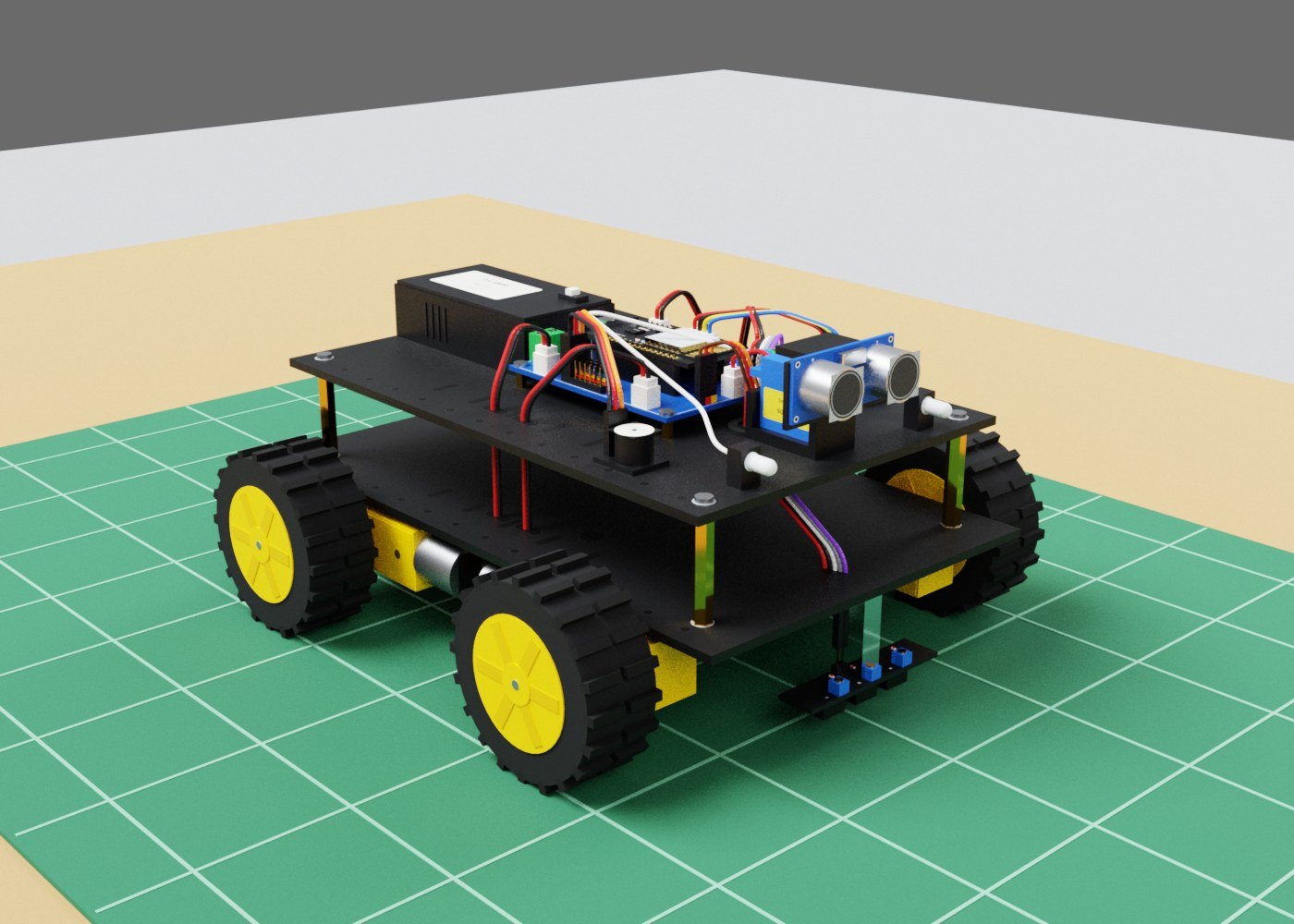
- Automation and robotics: PLC ladder logic, control panels, a robot builder and simulators to test programs before they meet real machines.
After the first sign-in the apps work offline - in a lab, a workshop or at home.
How we use AI - and how we do not
Litmux AI lives inside the apps. It reads your circuit, your program or your board, answers questions, finds mistakes and can build a circuit for you. For learners there is an offline tutor that runs on your own computer after a one-time download, so it keeps helping when the internet does not. And if you use Claude, Litmux Studio's tools - CAD, PCB, circuits and robots - can be driven from Claude with your own account.
We hold ourselves to a few rules:
- The engineer decides. AI suggests; checks and simulation confirm; you choose.
- Proven before it ships. Our solvers are tested against exact, worked answers before they reach you - a number you design with has to be right.
- No black boxes where it matters. When the Studio checks a design, it shows what it found and where, so a learner can follow it and a professional can trust it.
What comes next
We are now making the mechanical side deeper: stronger 3D modelling and more engineering simulation, so the enclosure, the mechanism and the board are designed and checked in the same place. Every part of the Studio is being polished before the next release.
Hardware development is going to look more like software development: fast loops, shared knowledge and assistants that know the work. We want engineers, makers and learners - in Ghana and everywhere - to help build that future, not just buy it.
Litmux Studio is free to try for 7 days, with every app open. Download it and build something.