
Automation Studio · App Builder
IoT App Builder: a phone app for your ESP32 in minutes
Drag switches, sliders, gauges, charts and LEDs onto a phone screen, press Set up the board for ready code, and control your project from anywhere. Rules run on our server, so your project keeps acting while your computer is off.
Windows 10 and 11 · macOS on Apple silicon · works offline after you sign in
Drag-and-drop dashboard
Switches, buttons, sliders, gauges, charts, LEDs and labels, each with its name, colour and channel.
Ready board code
Code for the ESP32 and ESP8266 (Arduino IDE) and MicroPython for the Pico W - type your Wi-Fi and upload. A Pico W uploads straight from the app.
Your phone, no app store
Open your app at litmux.tech/iot, sign in and add it to your home screen.
Rules and alerts
When the temperature passes 30 °C, switch the pump on and e-mail me - or warn me when the board goes offline.
Board health and data
Each board's signal, uptime and firmware, an activity log, and your readings as CSV.
Updates over the air
On the Pro and School plans, send a new program to your boards from anywhere.
From idea to a working dashboard
Open App Builder from the start window, lay out the phone screen, and save the project to your account. Set up the board gives you the board's key and its code; upload it and the board shows online. Open on my phone shows a QR code - scan it and your app is on the phone.
Made for real projects
- Greenhouses and irrigation: pumps, fans and soil moisture
- Robot cars controlled from the phone
- Monitoring in the workshop or the lab, with e-mail alerts
- Classroom IoT projects that every learner can open on their own phone
Simulate the circuit first in the Circuit Simulator, then connect the real board.
Questions
Which boards are supported?
ESP32 and ESP8266 (Arduino code) and the Raspberry Pi Pico W (MicroPython).
Do my rules run when my computer is off?
Yes. Rules and alerts run on the Litmux server, so they work while Litmux Studio is closed.
Is there an app to install on the phone?
No. Your app opens at litmux.tech/iot in the phone's browser; add it to the home screen to use it like an app.
More answers on the questions page.
More in Litmux Studio
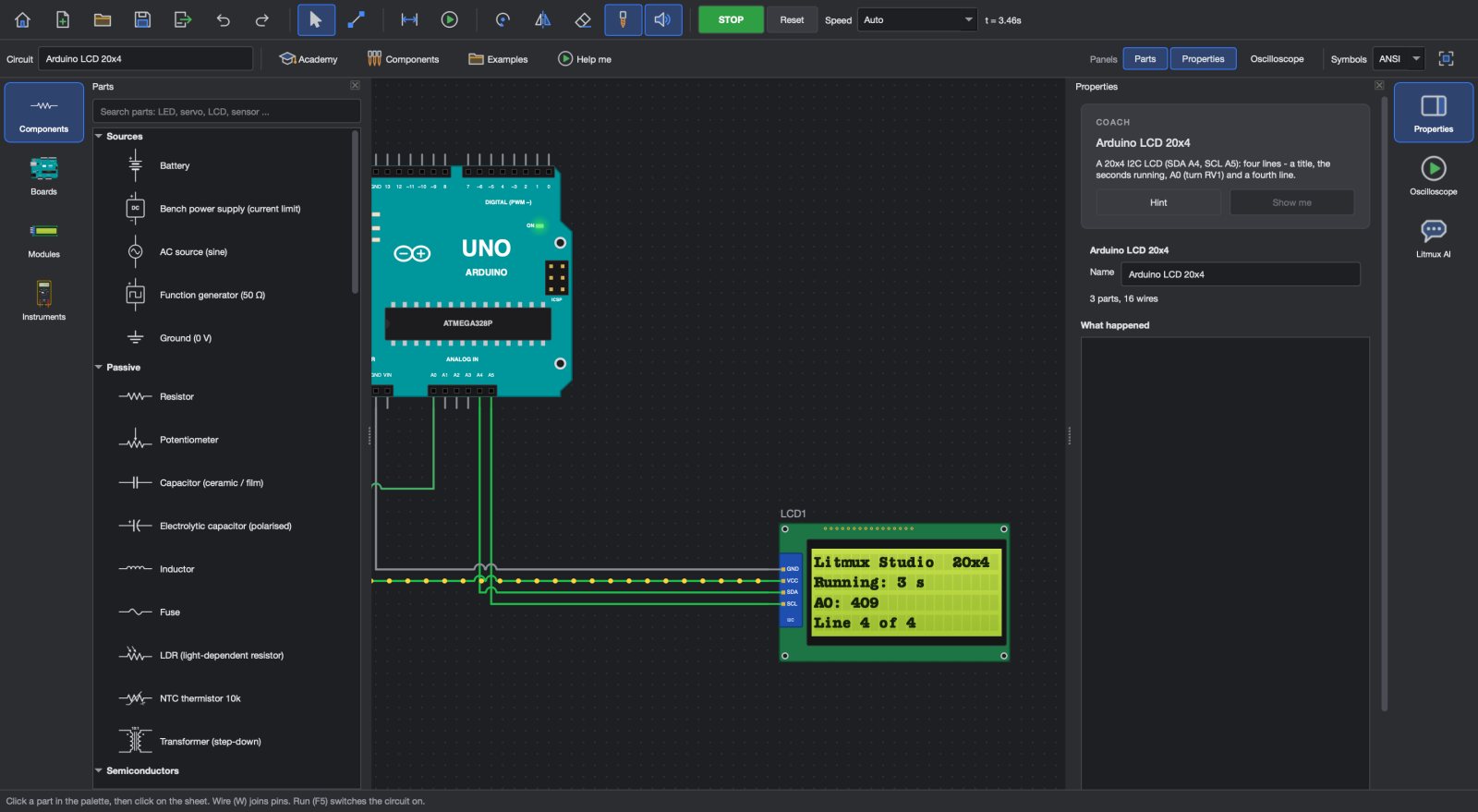 Arduino simulatorSimulate Arduino, ESP32, Raspberry Pi Pico and STM32 boards with real circuits, program in Blocks, C or MicroPython, then upload to a real Uno, Nano or Mega
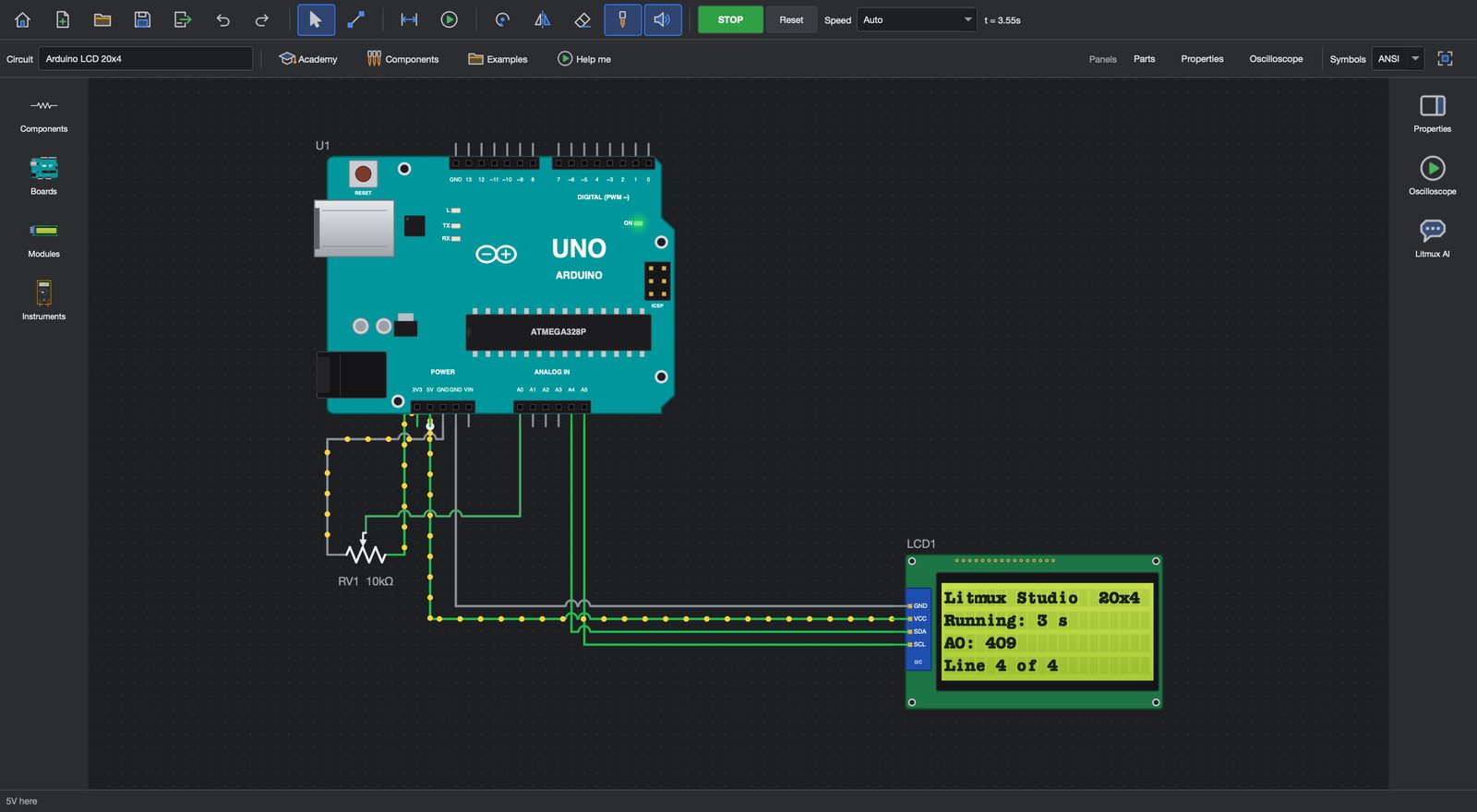 Circuit simulatorBuild circuits on a schematic and watch them run live
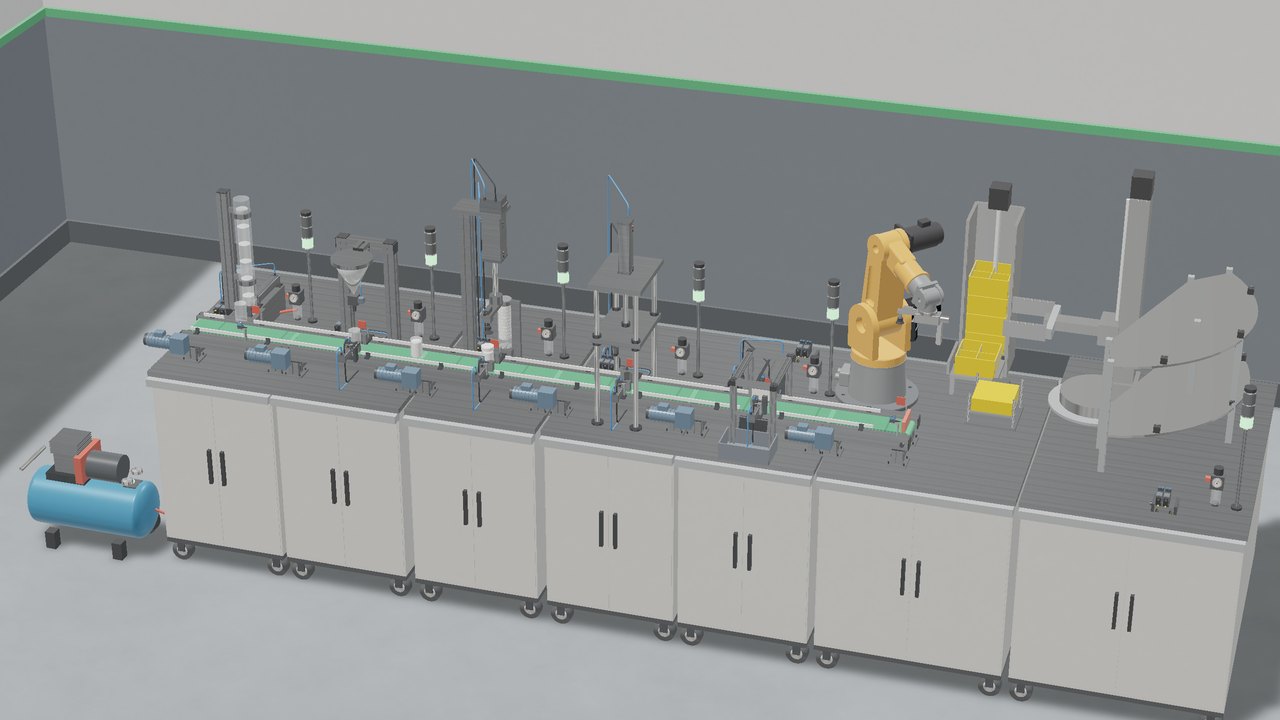 PLC simulatorWrite PLC ladder logic and run it on 3D machines, wire control panels on DIN rails and run an oil and gas plant simulation
Try every app free for 7 days
Download Litmux Studio, create your account and every app opens on that computer - no payment needed. Plans for students, makers, professionals and schools when you are ready.