
PCB Milling · Gerber Viewer · G-code Viewer
PCB milling software: from Gerber files to G-code for your CNC router
Open Gerber and drill files - or a board from the PCB Designer - plan isolation, drilling and the cut-out, simulate every pass and write plain G-code your machine accepts. Prototype boards in an afternoon, in the lab or the workshop.
Windows 10 and 11 · macOS on Apple silicon · works offline after you sign in
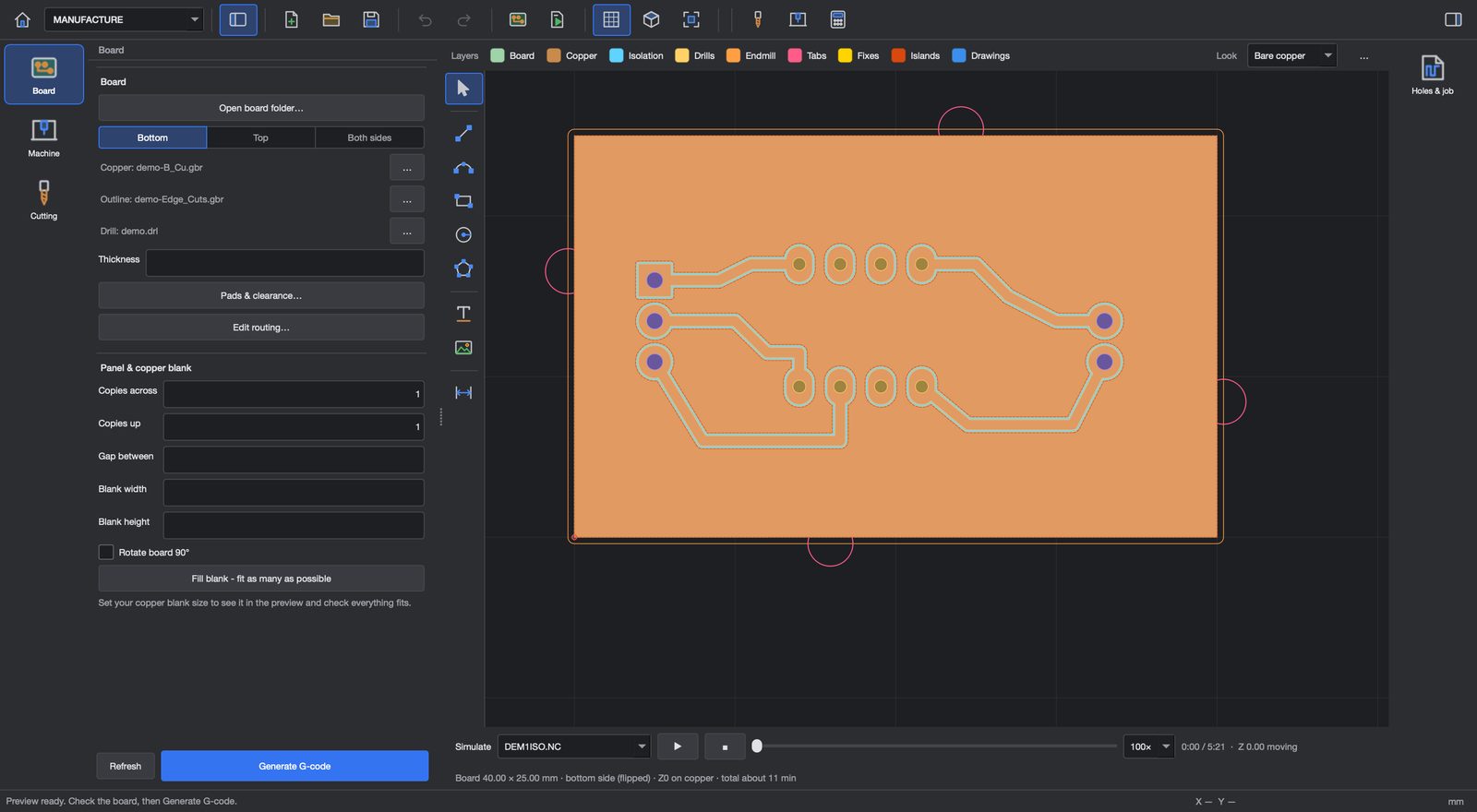
Isolation routing
Paths round every track and pad at your bit's real cut width, with as many passes as you want - and rub-out of the copper you do not need.
Drilling and cut-out
Drills grouped by tool, holes too big for a drill milled out, and the board cut out with holding tabs so it stays in place.
Double-sided boards
Both copper layers lined up on alignment pins, with the flip done for you.
Simulation first
Watch every pass in 2D and 3D before the bit touches copper, with the run time.
Your machine, your bits
Machine profiles and a tool library with V-bits, end mills and drills, feeds and speeds.
Plain G-code
A plain G-code dialect and short file names that offline controllers accept - no comment characters they reject.
From any ECAD tool
PCB Milling reads Gerber RS-274X and Excellon drill files from any PCB tool, or takes a board straight from the PCB Designer. Panels put several boards on one blank. Run a test cut first to dial in the real cut width of your V-bit, then mill the board.
No CNC? Toner transfer at 1:1
Export the board as a PDF at exactly 1:1 - black and white and mirrored for toner transfer, with drill marks - or in colour for your records.
- Gerber Viewer: inspect Gerber and drill files layer by layer, and measure
- G-code Viewer: open any .nc file to see the toolpaths, simulate them, see the run time and run a safety check
- Board Editor: sketch tracks, pads, text and logos straight on the copper for quick one-off boards
Questions
Which machines does it work with?
Desktop and workshop CNC routers that run G-code. Litmux Studio writes a plain dialect with short file names that offline controllers accept; set your machine's size and speeds in its profile.
Which files can I open?
Gerber RS-274X and Excellon drill files from any PCB design tool, and boards from Litmux Studio's own PCB Designer.
Can I mill double-sided boards?
Yes - both layers are lined up on alignment pins and the flip is planned for you.
More answers on the questions page.
More in Litmux Studio
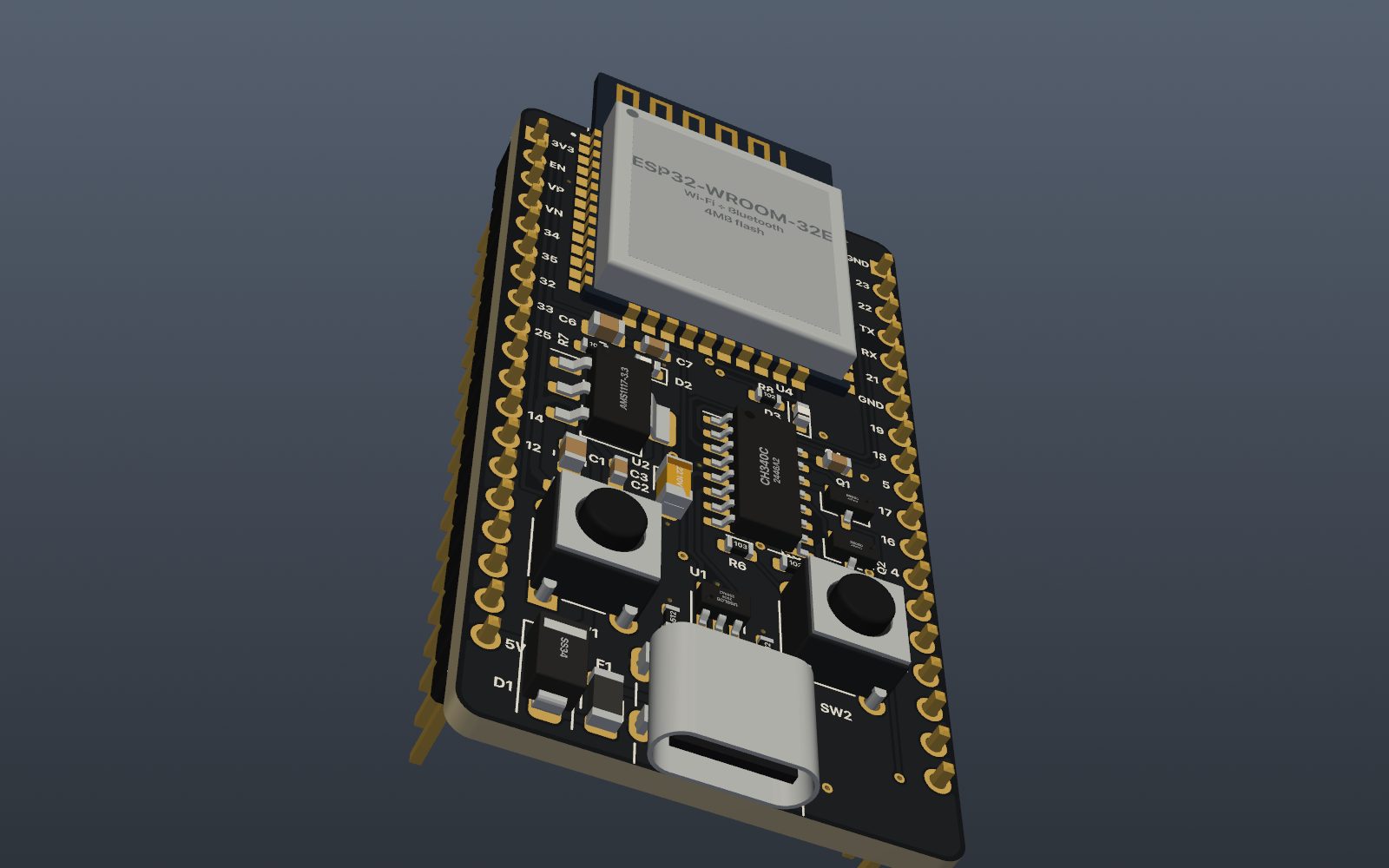 PCB designSchematic capture, PCB layout, autorouting, DRC and JLCPCB production files in one app, with 2,700+ parts
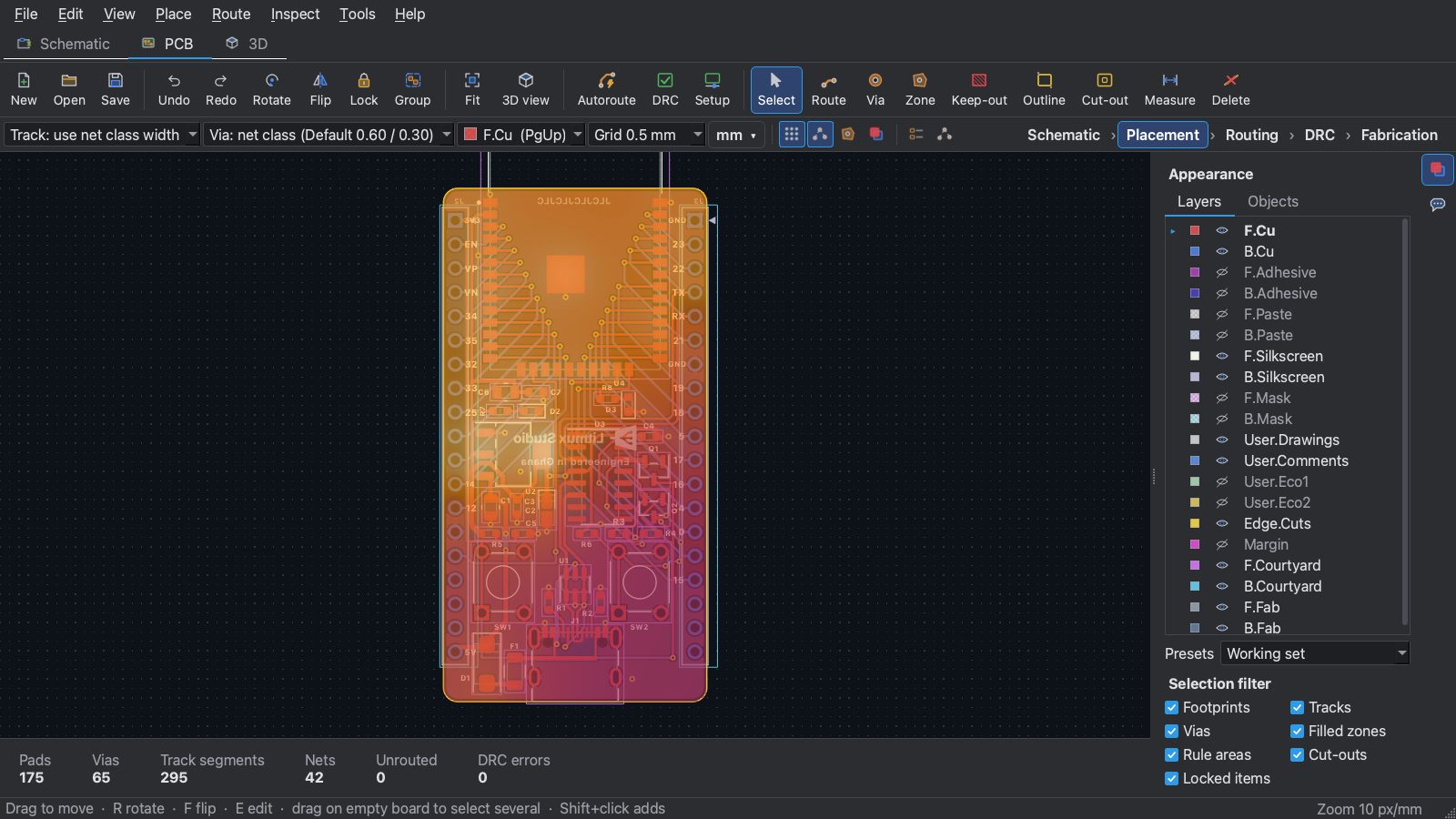 EMC and thermal analysisFind PCB layout mistakes that fail EMC tests and parts that run too hot
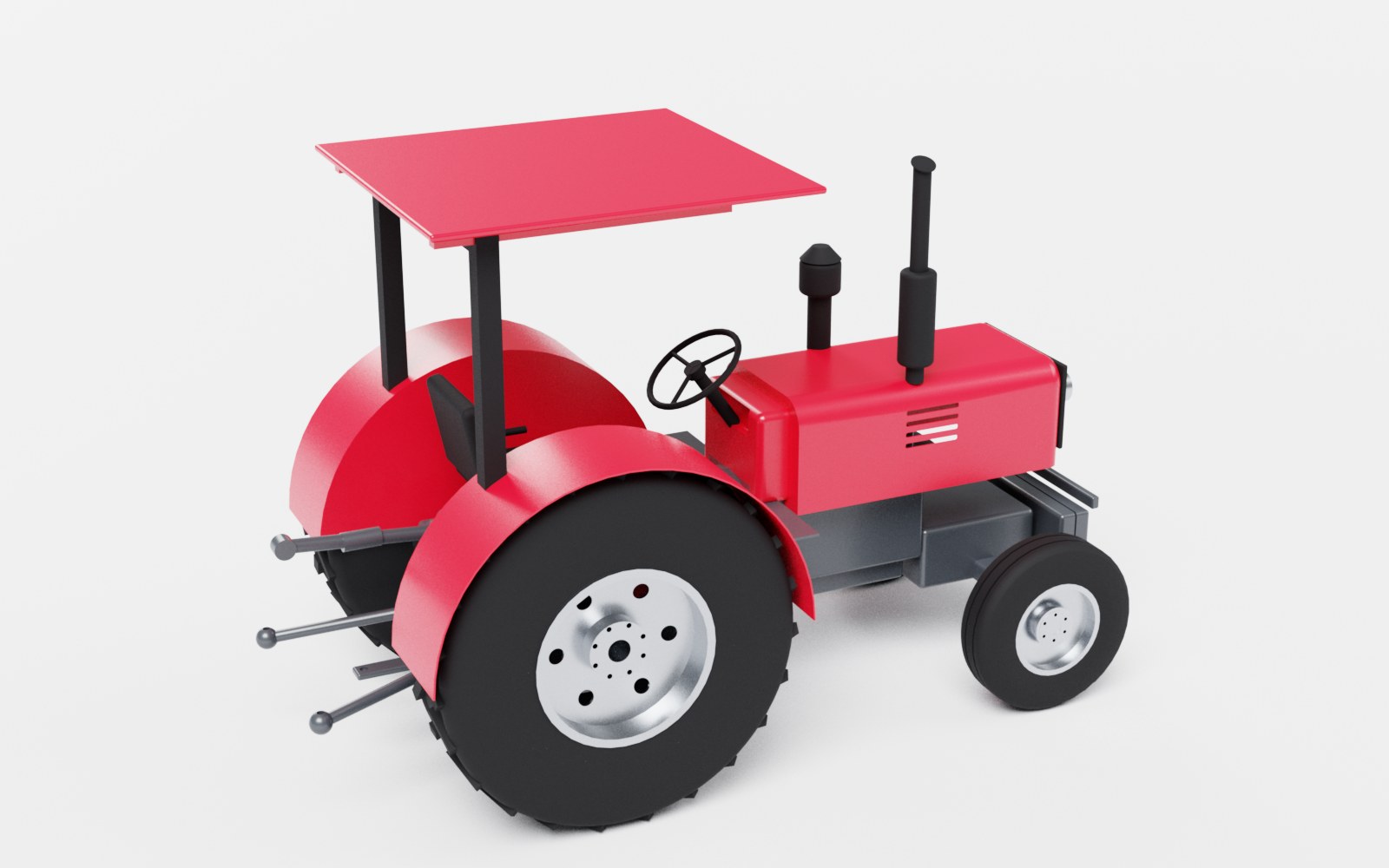 3D CADParametric 3D CAD with direct editing in the 3D view, assemblies, STEP, drawing sets, DXF for laser cutting and photo-real renders
Try every app free for 7 days
Download Litmux Studio, create your account and every app opens on that computer - no payment needed. Plans for students, makers, professionals and schools when you are ready.