
STEAM · Schools · Universities · TVET
Litmux Studio for education
Science, technology, engineering, arts and maths you can touch: lessons that explain, simulators that let learners build without fear, and real boards, machines and robots at the end. For learners, teachers and the labs they work in.
4 courses · 176 lessons · 47 labs in Litmux Academy
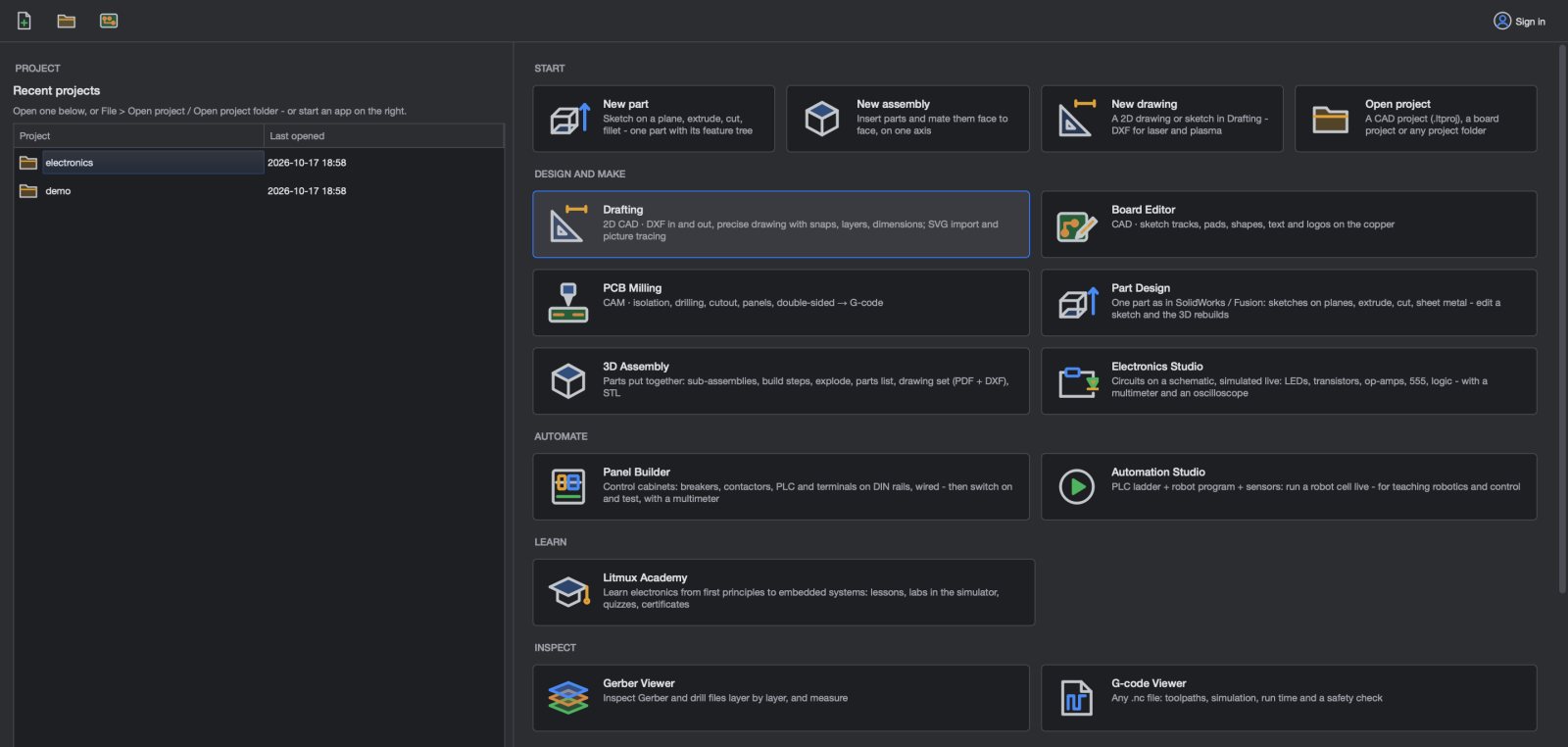
One app across STEAM
Choose your path
Learn by building
- Free lessons on the web, the full Litmux Academy in the app
- Circuits that run as you wire them - mistakes cost nothing
- Upload your program to a real Arduino over USB
- Build robot cars and win missions
Teach with it
- Lessons you can read with the class and print
- Labs that open in the simulator, checked step by step
- Quizzes, progress for each learner, certificates
- Safe practice: mains panels, machines and robots on screen first
Equip the lab
- Electronics, PCB, CAD, PLC and robotics in one install
- Works offline after sign-in
- Lab licence keys, Mobile Money or card in cedis
- Mill real boards on the lab's CNC router
Litmux Academy
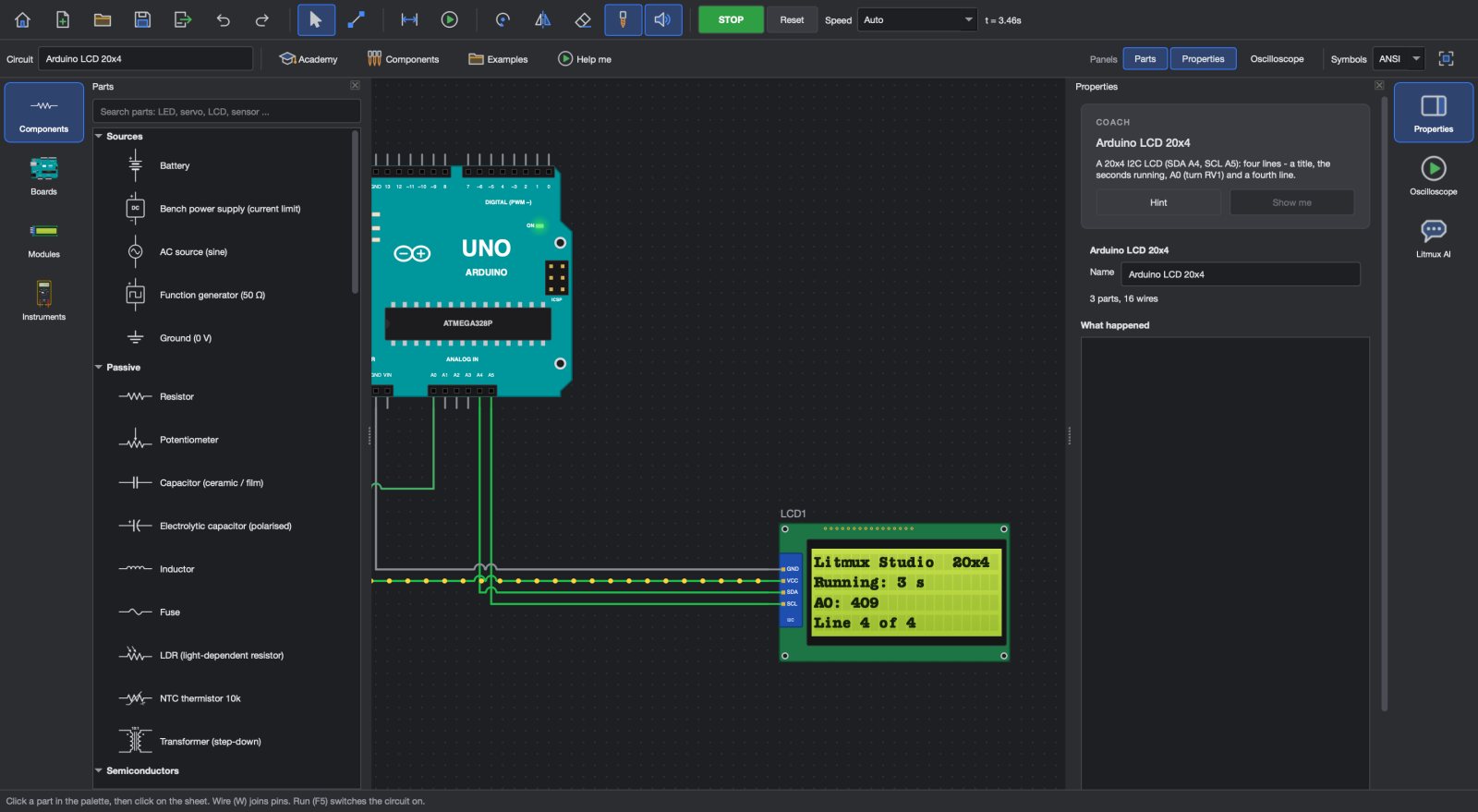
Four courses take a learner from what electricity is to embedded systems: Electronics Foundations, Beginner Circuits, Intermediate Electronics, Advanced Electronics. Each lesson explains one idea with real numbers and real parts; labs open in the Circuit Simulator and check each step; quizzes are marked; a finished course earns a certificate and a transcript.
The first course, Electronics Foundations, is free to read here on the website.
Questions
Are the lessons really free?
Yes. The Electronics Foundations course is free to read on this website. The other courses, the labs, the marked quizzes and the certificates are in Litmux Academy, in the app - free for 7 days, then with a plan.
Do learners need the internet?
Only to read the lessons on the website and to sign in to the app. Litmux Studio and Litmux Academy work offline after that.
Is there a plan for a whole lab?
Yes - the School / Lab plan covers the lab's computers with licence keys. See Pricing or schools and labs.
Can students use it at home?
Yes, on their own computer with their own account - the Student plan is made for that.
Try every app free for 7 days
Download Litmux Studio, create your account and every app opens on that computer - no payment needed. Plans for students, makers, professionals and schools when you are ready.