
Schematic Editor · PCB Designer · Litmux Library
PCB design software, from schematic to a checked board
Draw the schematic, place and route the board, check it, and get the files a factory needs - or mill it on your own CNC router. The PCB Designer handles boards from a single-sided milled prototype to eight copper layers.
Windows 10 and 11 · macOS on Apple silicon · works offline after you sign in
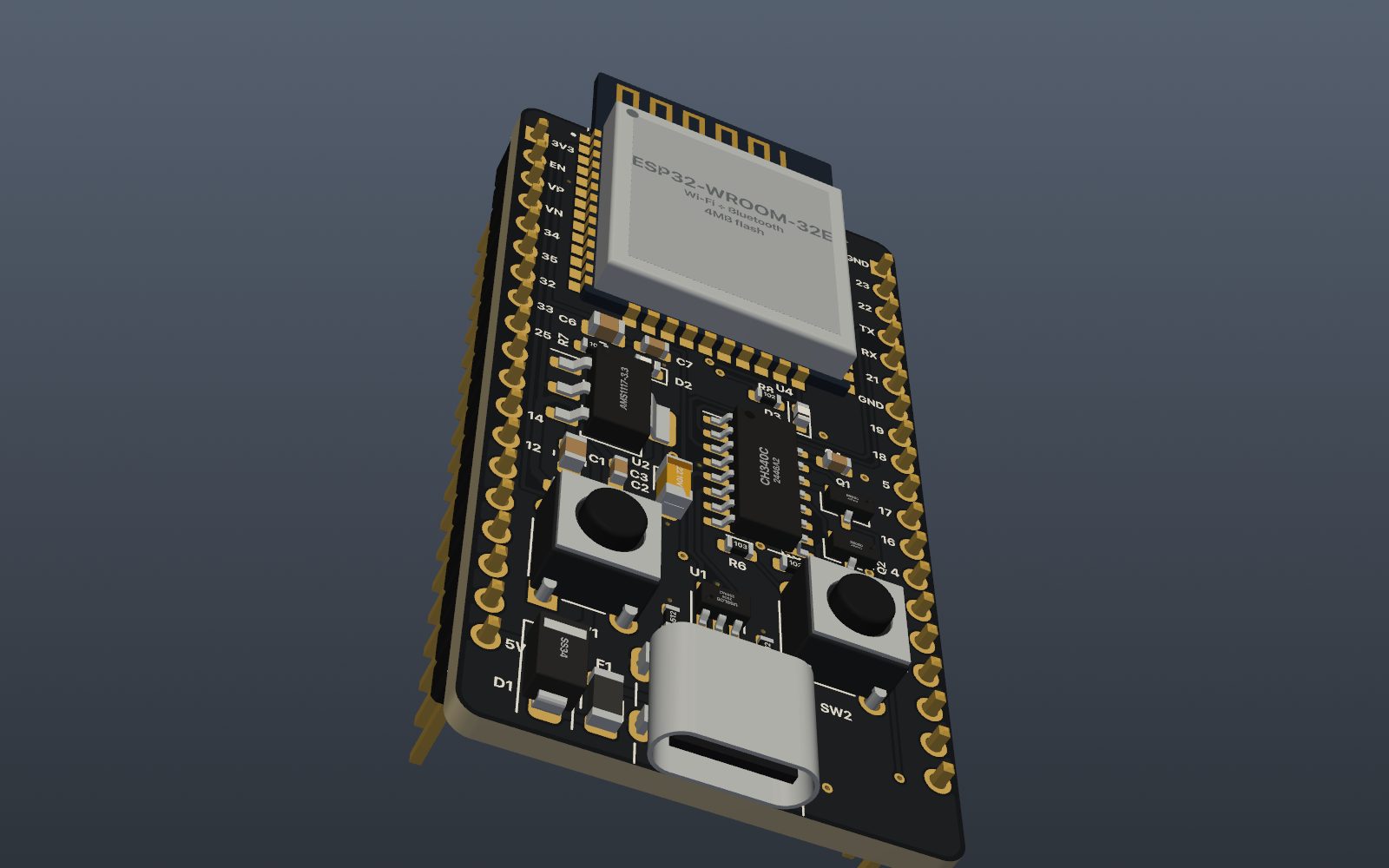
Schematic Editor
Symbols from the Litmux Library, wires, net labels, power symbols and titled blocks on a real drawing sheet with a title block. The electrical rules check runs before layout.
2,700+ real parts
The Litmux Library comes with the app: each part with its symbol, footprint, pin-to-pad map, 3D model and part numbers - with LCSC numbers for JLCPCB assembly where it stocks them.
Footprints to IPC-7351B
About 2,000 footprints generated from the IPC-7351B land-pattern rules - chips, SOT, SOIC, QFN, LQFP, through-hole, connectors, modules - and a wizard for your own.
Placement and routing
Route by hand with the rules of each net class, route differential pairs as one, or press Autoroute: buses go as neat bundles, then the rest, then rip-up and re-route.
Design rule check
Every clearance, width and hole is checked against the rules of your process - a milling job or a factory - and each problem is shown on the board.
Production files
Gerber RS-274X, Excellon drills, BOM and pick-and-place files in JLCPCB's format, read back and compared with the board before you upload them. Or export to KiCad 7, 8 or 9.
One project: the schematic and its board
A PCB project keeps the schematic and the board together. Change the schematic and the board follows it: new parts are placed clear of the others, removed ones come off, nets are updated - and every footprint you placed keeps its position, rotation, side and the package you chose. Undo takes it back in one step.
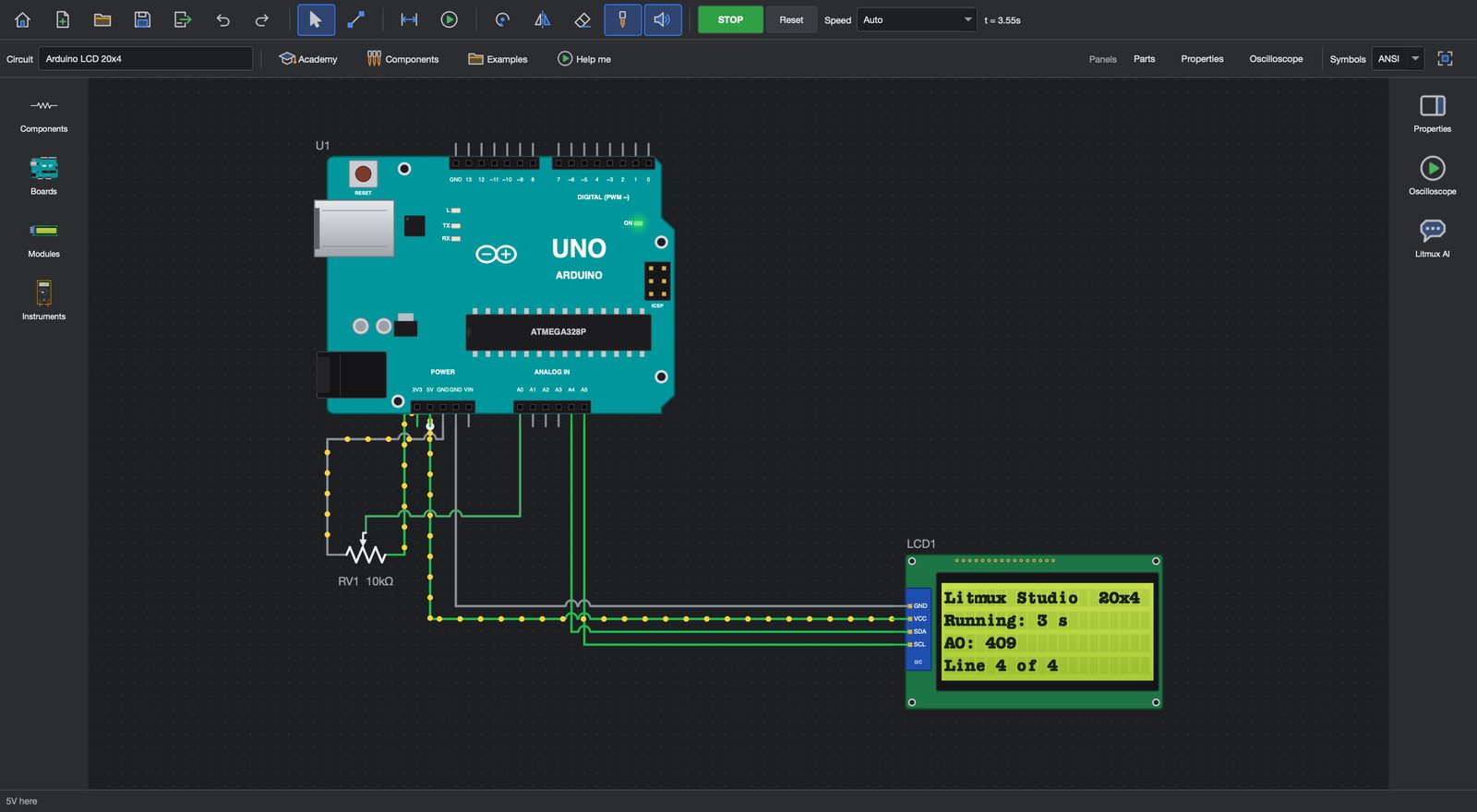
Start from a circuit you simulated in the Circuit Simulator, draw a new schematic, or import a BOM or a parts cart and let Litmux Studio lay the parts out for you.
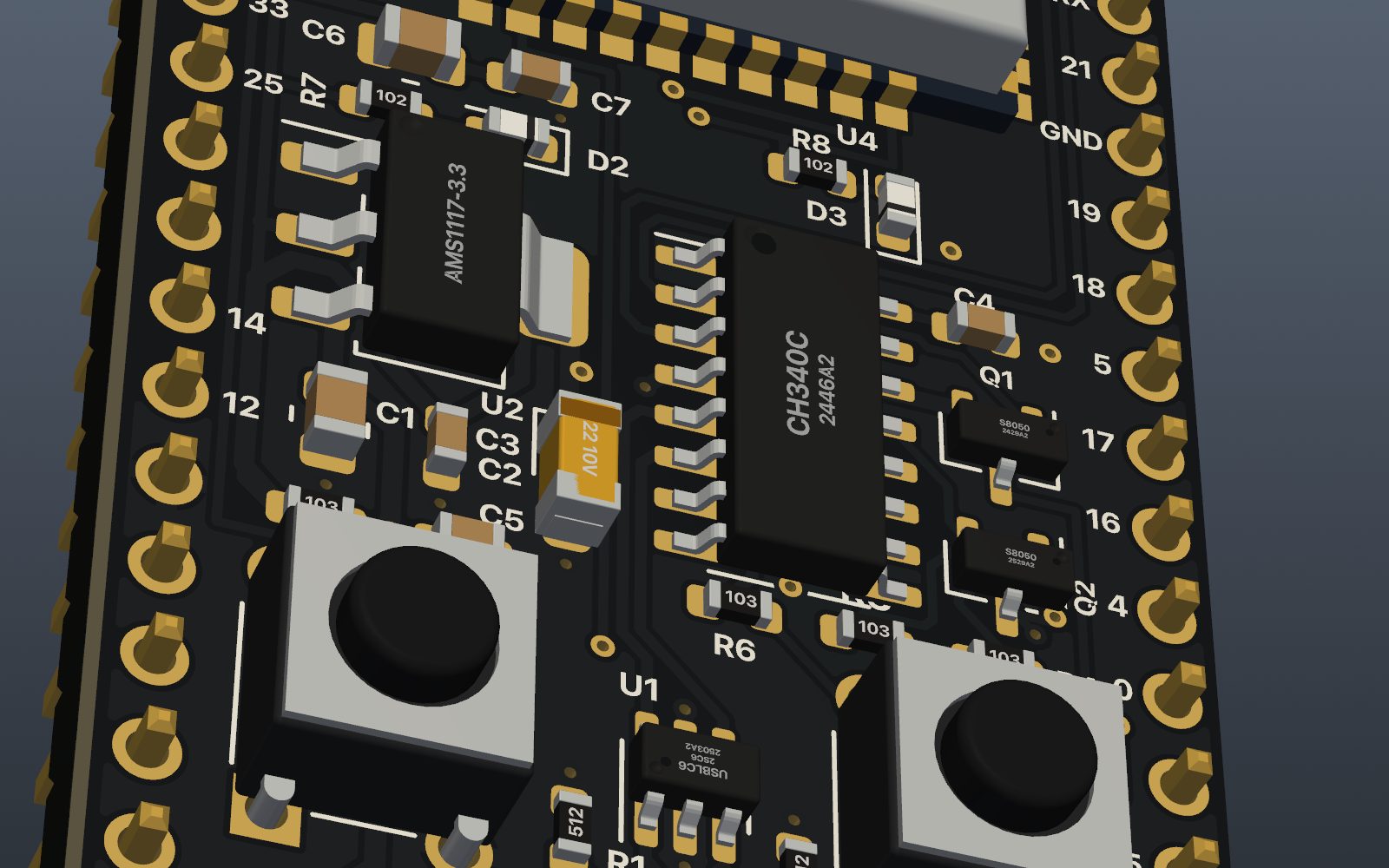
Rules for the way you make it
Choose how the board is made and the rules follow: a milling job gets bigger pads and rings and wider gaps your router can cut; a factory board gets the limits of 2, 4, 6 or 8 layers with their stack-ups, mask colours and finishes. Net classes find the power nets by themselves and give them wider tracks.
- Copper pours with thermal reliefs, dead copper removed, keep-outs respected
- Ground stitching and an edge via fence sized from the fastest signal on the board
- A second opinion: run KiCad's own DRC on your board when KiCad is installed
Checked for EMC and heat before you order
The PCB Designer reviews the layout for EMC - return paths, decoupling, pair impedance from a field solver, crystals, antennas, ESD - and simulates the heat flow to find the parts that run too hot. See EMC review and thermal analysis.
Mill it yourself, or order it
Send a prototype straight to PCB Milling and cut it on your own CNC router the same afternoon, or write the production files and order boards - assembled, if you like - from a factory. Litmux AI in the PCB Designer answers questions about your board, and Claude can drive the PCB Designer through Litmux Studio's MCP tools with your own Claude account.
Questions
How many layers can I design?
Up to eight copper layers for factory boards, with their stack-ups. Milled boards are single- or double-sided.
Can I order assembled boards from JLCPCB?
Yes. The fabrication output writes the Gerbers, drill files, BOM and pick-and-place (CPL) file in JLCPCB's format, with the LCSC part numbers from the library. You upload them on JLCPCB's website.
Does it work with KiCad?
You can bring in footprints from KiCad .kicad_mod files and export a board as a KiCad project that KiCad 7, 8 and 9 open, with its design rules and net classes.
Is the PCB Designer included in the free trial?
Yes - every app opens for 7 days after you create your account. After that, the PCB Designer comes with the PCB Milling apps in the paid plans; see Pricing.
More answers on the questions page.
More in Litmux Studio
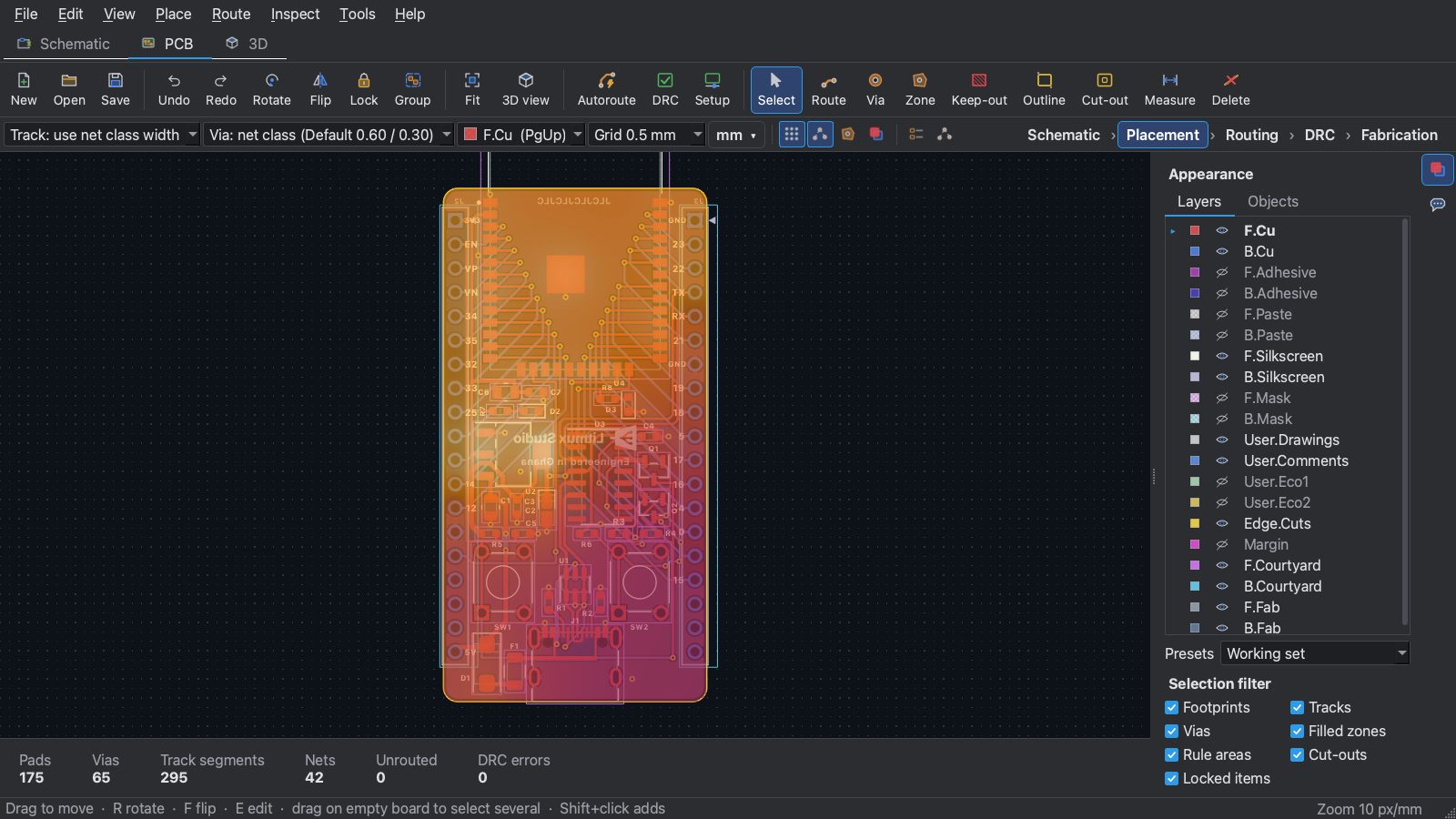 EMC and thermal analysis
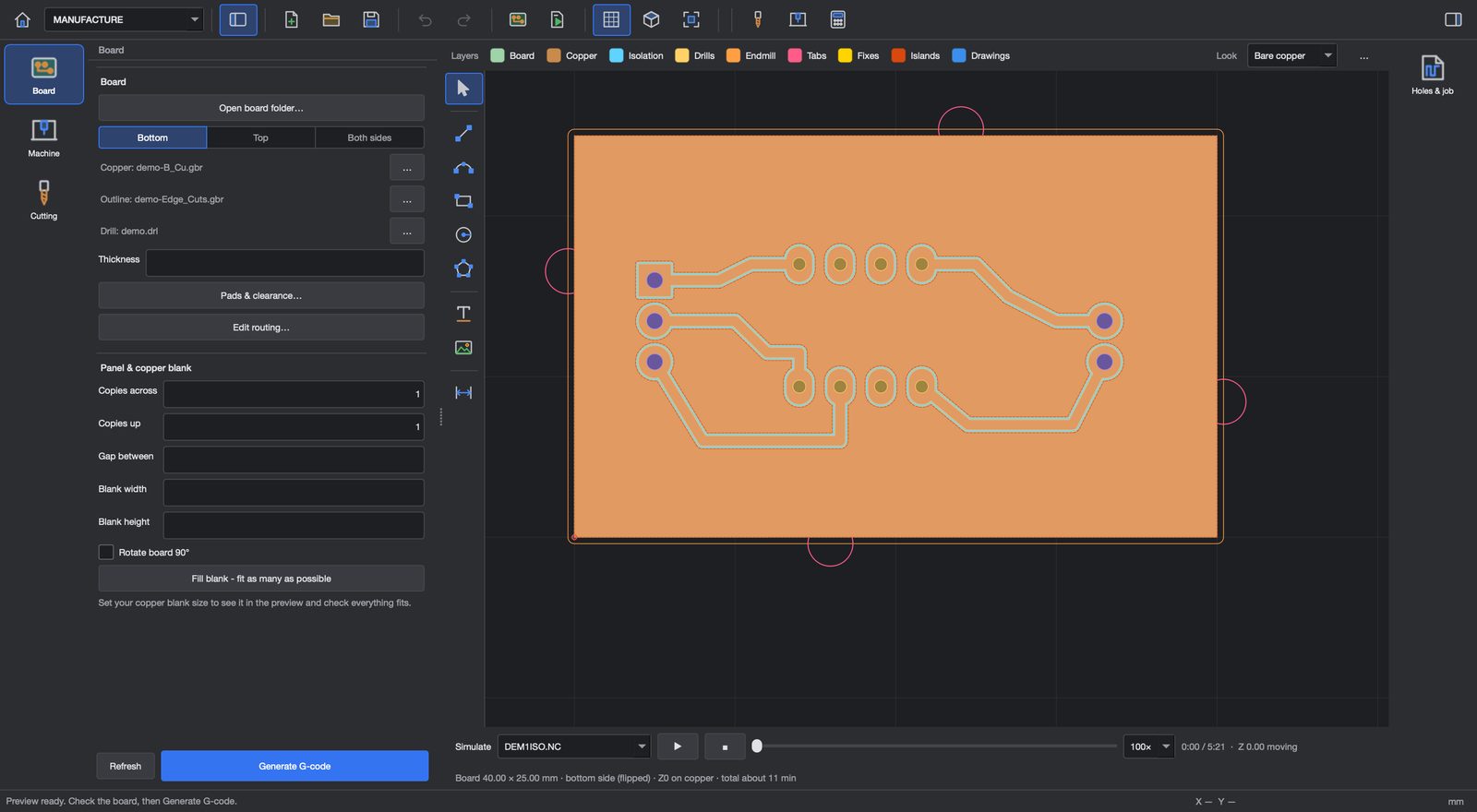 PCB milling
 Circuit simulator
Try every app free for 7 days
Download Litmux Studio, create your account and every app opens on that computer - no payment needed. Plans for students, makers, professionals and schools when you are ready.