
Electronics Studio · Circuit Simulator
Arduino simulator - then upload to your real board
Wire an Arduino, ESP32, Raspberry Pi Pico or STM32 board to LEDs, buttons, displays, sensors and motors, program it in Blocks or in code, and watch it run. When it works, upload the same program to a real Uno, Nano or Mega over USB - the compiler comes with the app, so it works offline.
Windows 10 and 11 · macOS on Apple silicon · works offline after you sign in
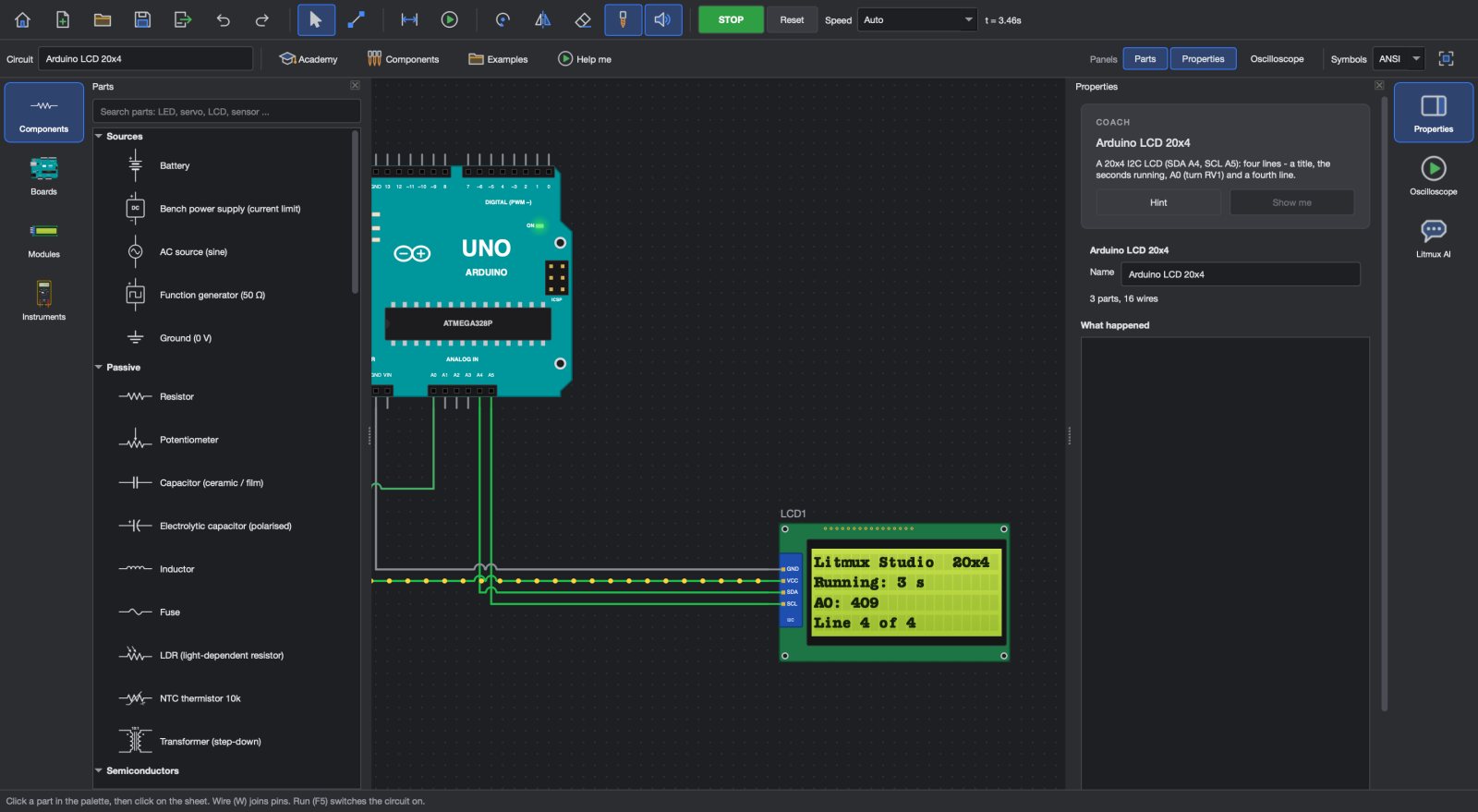
The boards people use
Arduino Uno, Nano and Mega 2560, ESP32 DevKit, Raspberry Pi Pico and STM32 Blue Pill and Black Pill.
Blocks, C or MicroPython
Start with Blocks and see the code they make, write Arduino C/C++, or use MicroPython on the Raspberry Pi Pico.
Real modules
LCDs, OLEDs, servos, relays, sensors, keypads, motors and drivers wired to the board's pins - the program reads and drives them.
Upload over USB
Put the program on a real Uno, Nano or Mega with one button. The compiler is inside Litmux Studio - no other software, no internet needed.
Serial monitor and debugging
See what the program prints, and find the mistake with the multimeter and the oscilloscope on the pins.
Ready-made examples
Dozens of example programs - traffic lights, an RTC clock, a weather station, RFID access, plant watering - each one compiles for a real board.
Program it the way you learn best
Blocks make the first program easy: drag when the button is pressed, switch the LED on, and see the Arduino code it stands for. Switch to code whenever you are ready - the program editor checks and compiles it, and the board in the circuit runs it at once.
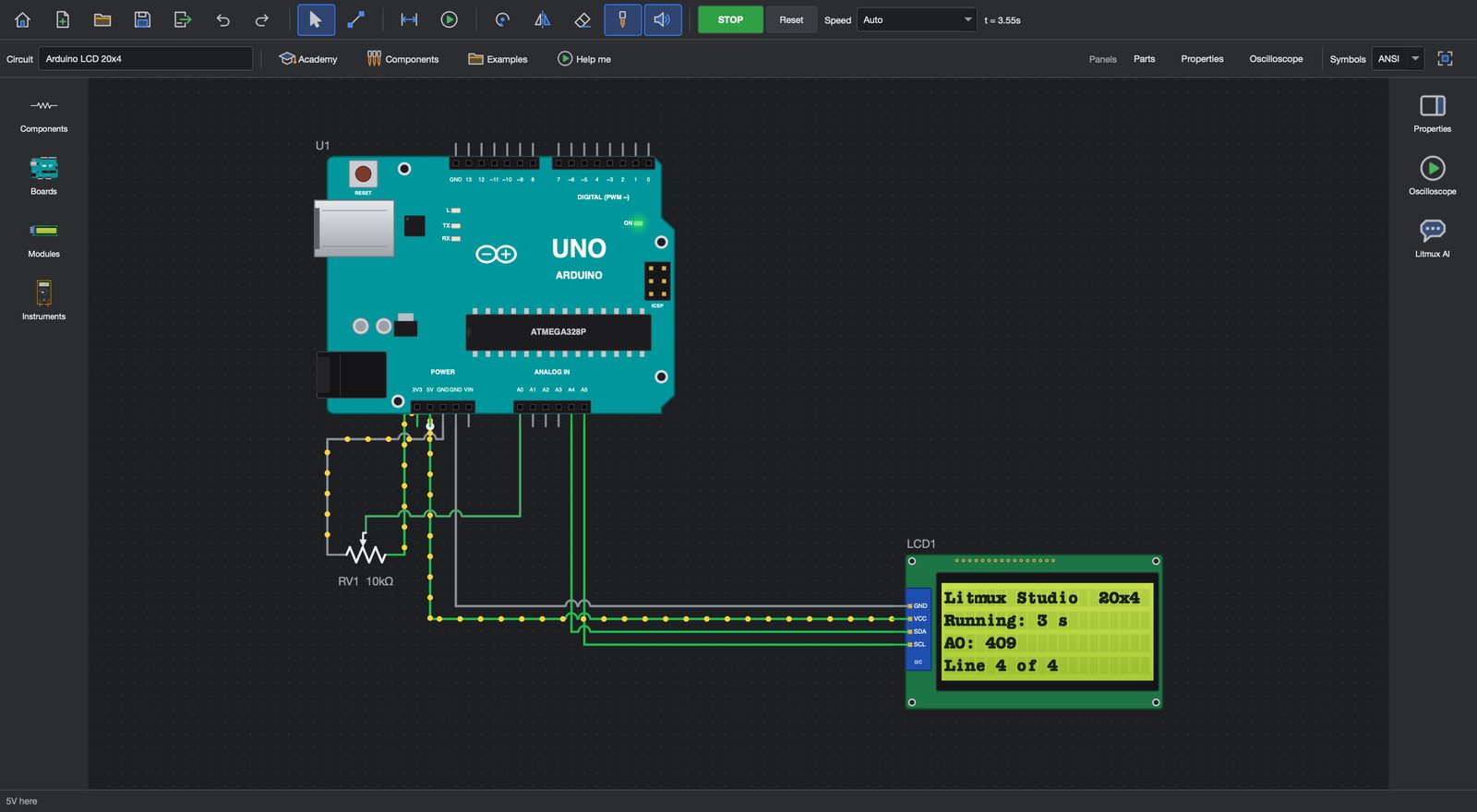
From screen to bench
Plug in a real Uno, Nano or Mega and choose Upload to my board (USB). For Wi-Fi projects, App Builder makes the phone app and the code for your ESP32, ESP8266 or Pico W, and Robot Builder puts your program on a real robot car.
Questions
Which Arduino boards can I upload to?
Real Arduino Uno, Nano and Mega 2560 boards over USB, with the compiler that comes with Litmux Studio.
Can I simulate the ESP32 and Raspberry Pi Pico?
Yes. The ESP32 DevKit runs Arduino C and the Pico runs MicroPython in the simulator; a Pico W uploads MicroPython from App Builder.
Do I need the Arduino IDE?
No. Litmux Studio compiles and uploads by itself. App Builder's ready code for the ESP32 and ESP8266 also works in the Arduino IDE if you prefer it.
More answers on the questions page.
More in Litmux Studio
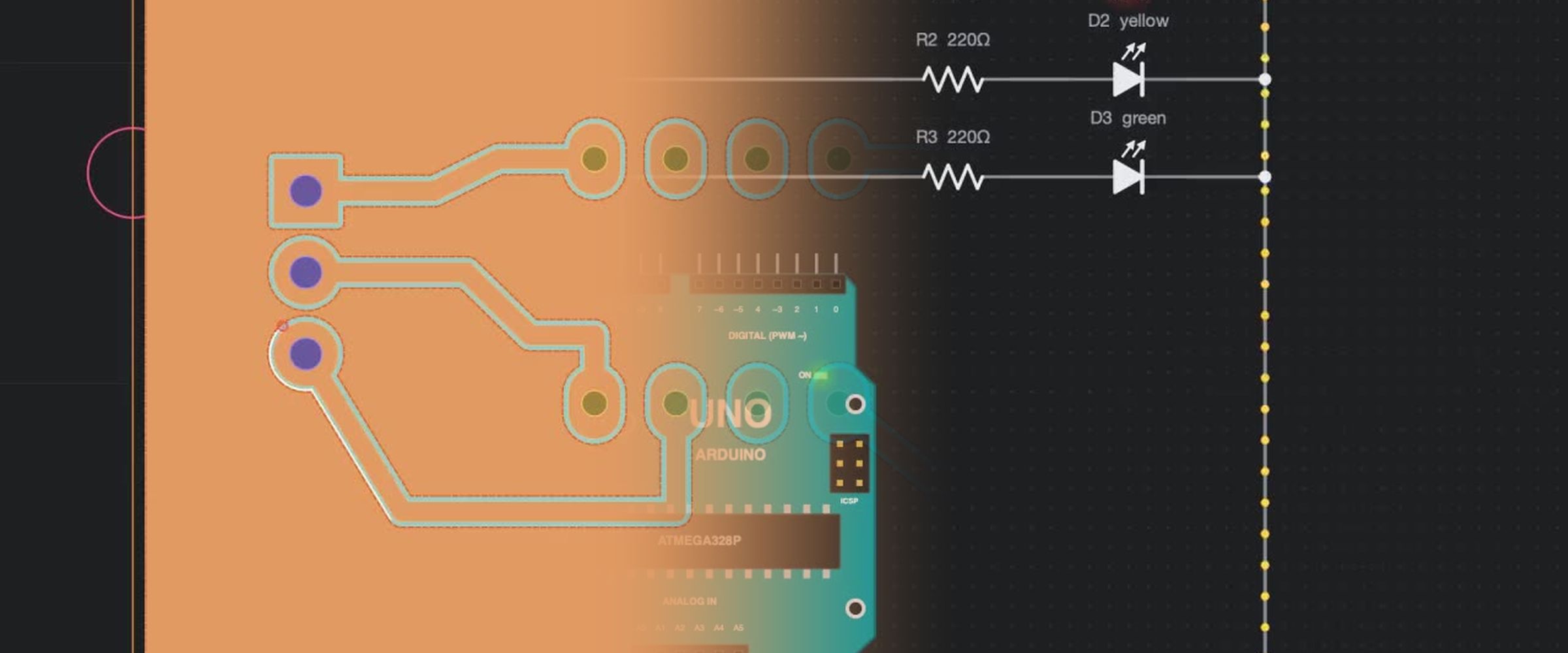 IoT App Builder
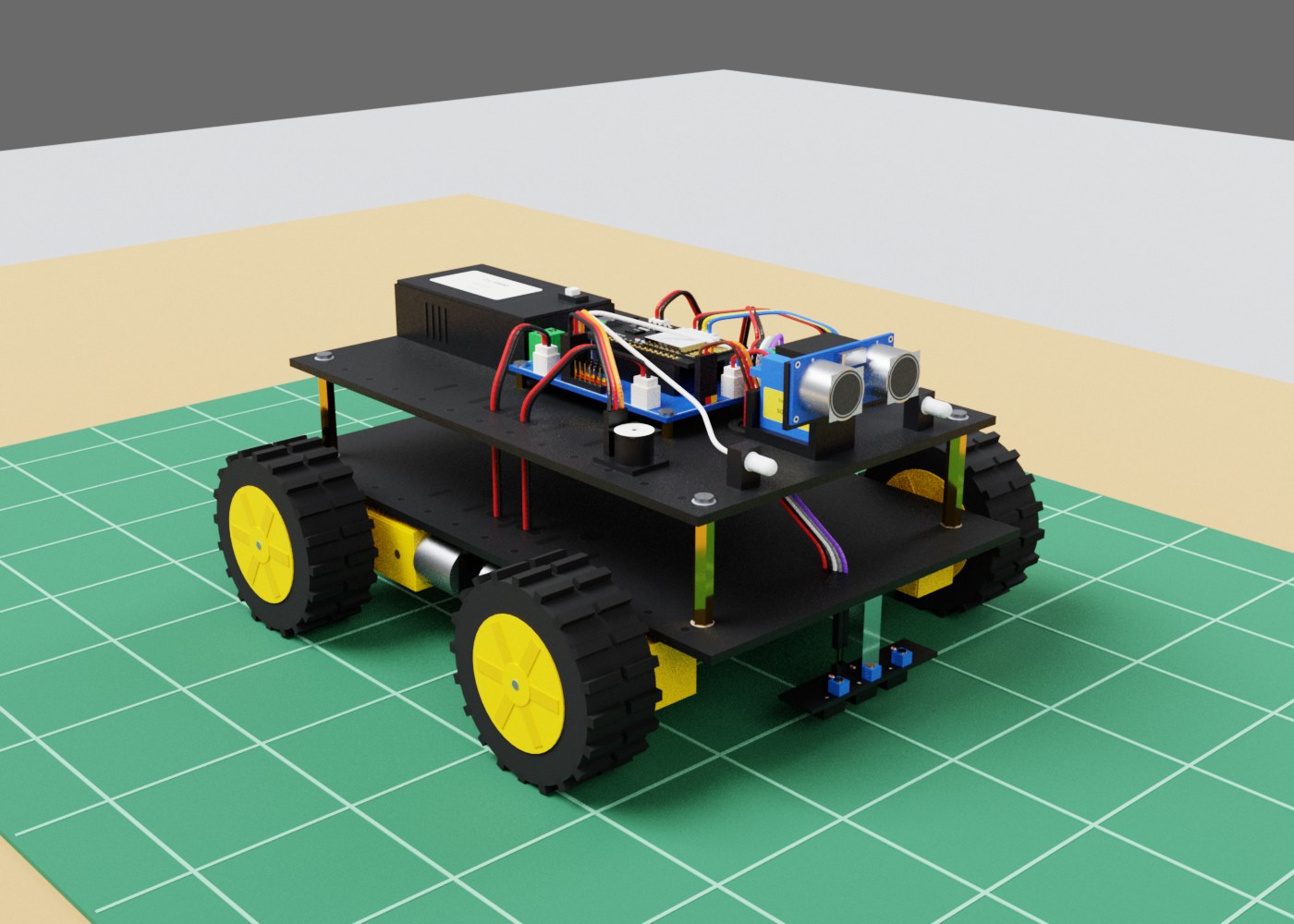 Robot simulator
Try every app free for 7 days
Download Litmux Studio, create your account and every app opens on that computer - no payment needed. Plans for students, makers, professionals and schools when you are ready.