
Part Design · 3D Assembly · Drafting
3D CAD: sketch, extrude, edit in 3D, assemble and draw
Model parts with a feature tree, push and pull faces right in the 3D view, put parts together into assemblies, and make the drawings, DXF and STEP files your workshop and suppliers need - then render a photo-real picture.
Windows 10 and 11 · macOS on Apple silicon · works offline after you sign in
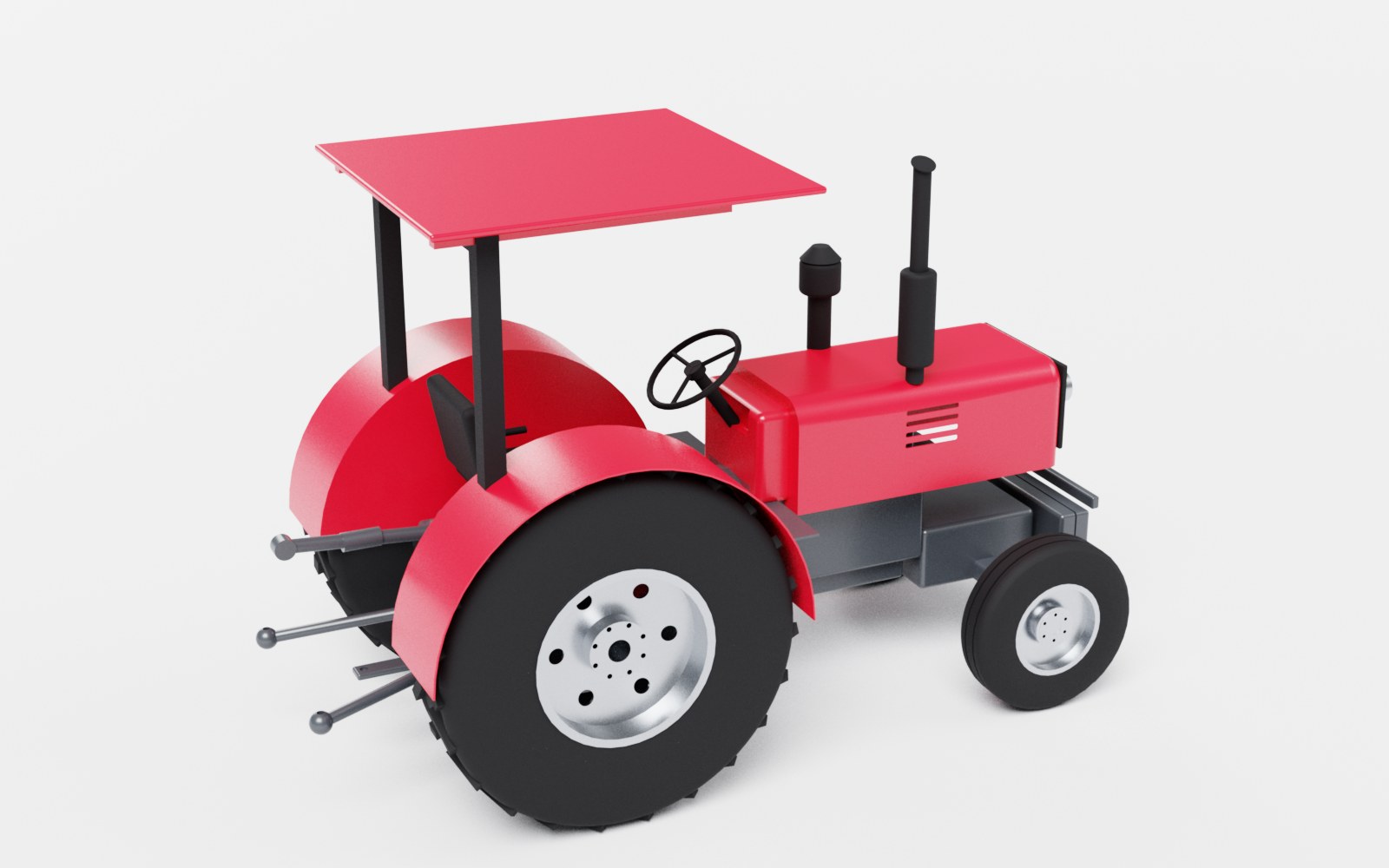
Part Design
Sketches on planes or faces, extrude, cut, revolve, holes, fillets, chamfers, patterns, mirror and sheet metal - edit any step and the part rebuilds.
Direct editing in 3D
Click a face and pull it, drag an arc or a revolve, pick edges to fillet or chamfer - the feature tree updates, so the history stays editable.
Sketch in 3D
Draw lines, rectangles, circles and arcs on a face with snapping and typed sizes, then extrude or cut without leaving the 3D view.
3D Assembly
Sub-assemblies, a move and turn manipulator, build steps, exploded views and a parts list. STEP in and out, STL for 3D printing.
Drawings
Drawing sets as PDF and DXF with hidden-line views, hole tables and ISO sheets; laser-ready DXF and sheet-metal flat patterns.
Photo-real Render
Press Ctrl+R: the view is ray traced in a photo studio with soft shadows, clear-coat paint and reflective metal, up to 4K.
Edit the model where you see it
In Part Design, point at a face and it lights up. Click it and drag the arrow to make a boss taller or a pocket deeper, or type the exact value. Drag a curved face to change an arc's radius or a revolve's angle. Sketches drawn on a face you move ride along with it, and every change is written back into the feature that made the face - so the parametric history stays intact and Undo works as you expect.
From one part to the whole machine
3D Assembly brings parts and STEP files from suppliers together, with sub-assemblies, build steps and an exploded view. Move and turn parts with the manipulator in the 3D view; a part changed in Part Design updates in the assembly by itself.
- Drafting: precise 2D CAD with snaps, layers and dimensions; DXF in and out, SVG import and picture tracing
- Turn 2D drawings into 3D plywood and acrylic parts, with engraving
- Hidden-line drawing sets with a parts list for the workshop
Questions
Which file formats does it support?
STEP in and out, STL out for 3D printing, DXF in and out, SVG import, and PDF and DXF drawing sets.
Is it parametric?
Yes. Part Design keeps a feature tree: edit a sketch or a value and the part rebuilds. Direct edits in the 3D view change the features, so the history stays editable.
Can I render pictures of my designs?
Yes - press Ctrl+R in Part Design or 3D Assembly for a ray-traced picture up to 4K. It renders on the processor while you keep working.
More answers on the questions page.
More in Litmux Studio
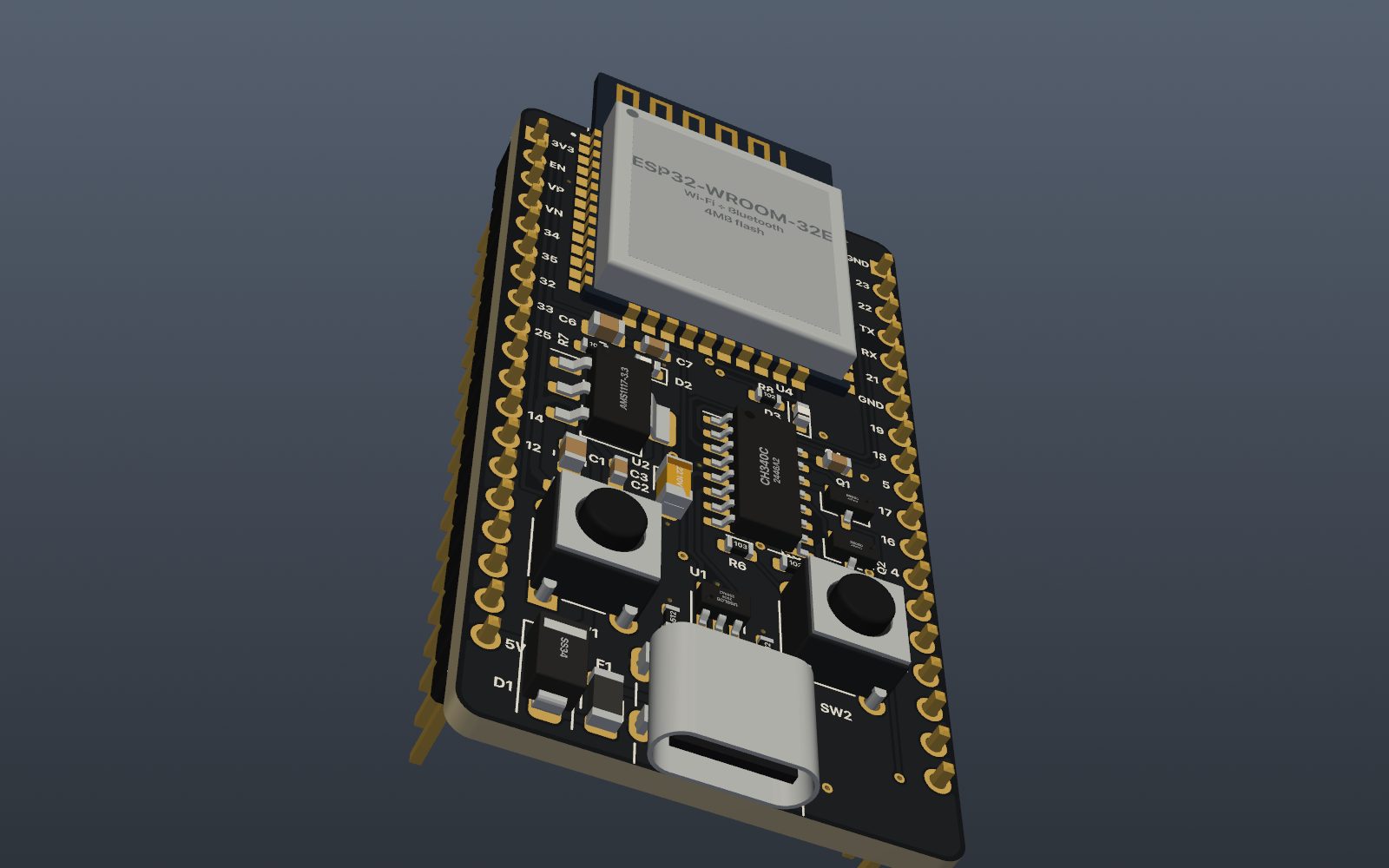 PCB designSchematic capture, PCB layout, autorouting, DRC and JLCPCB production files in one app, with 2,700+ parts
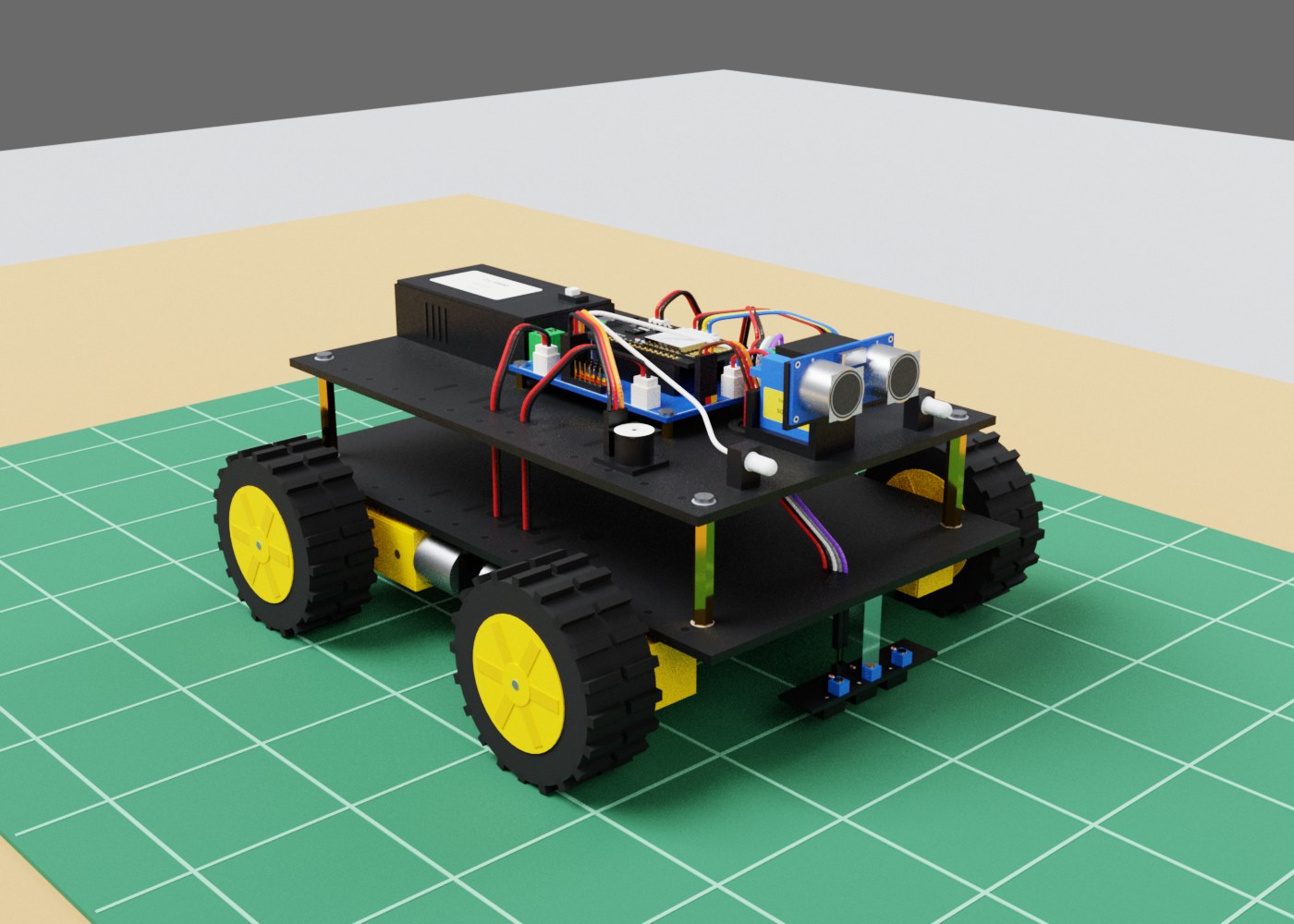 Robot simulatorSimulate industrial robots with real physics
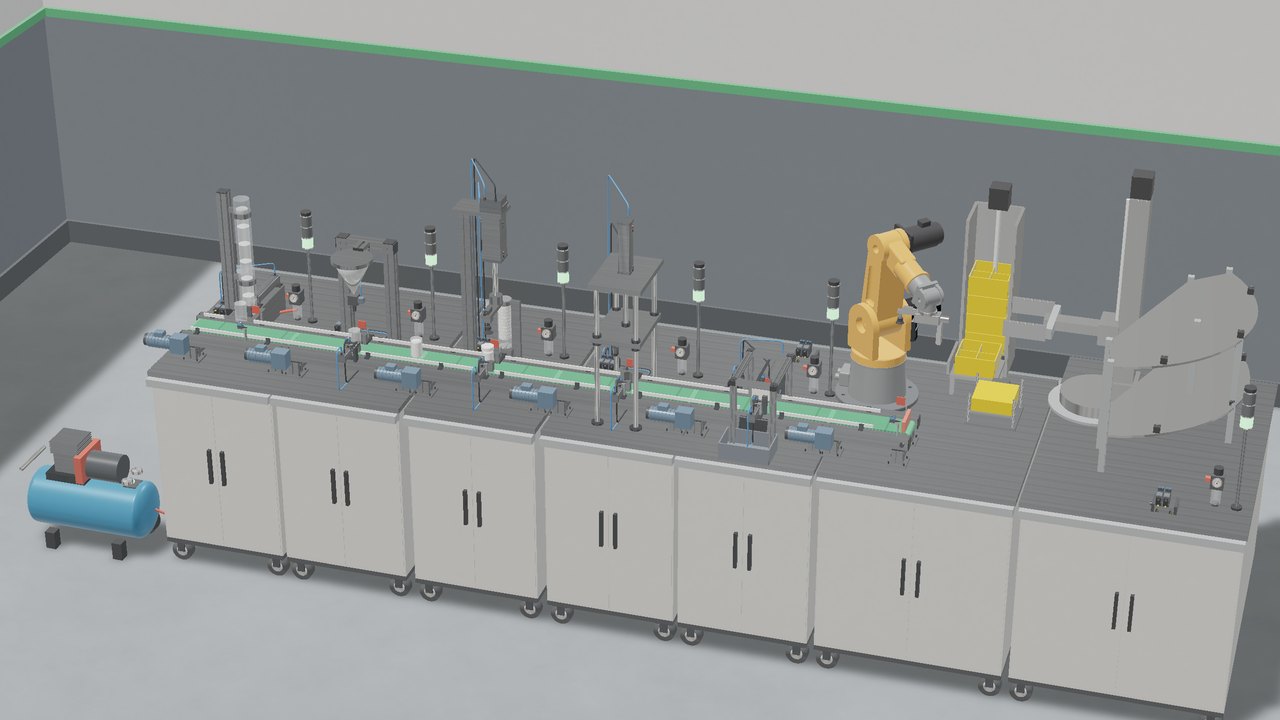 PLC simulatorWrite PLC ladder logic and run it on 3D machines, wire control panels on DIN rails and run an oil and gas plant simulation
Try every app free for 7 days
Download Litmux Studio, create your account and every app opens on that computer - no payment needed. Plans for students, makers, professionals and schools when you are ready.