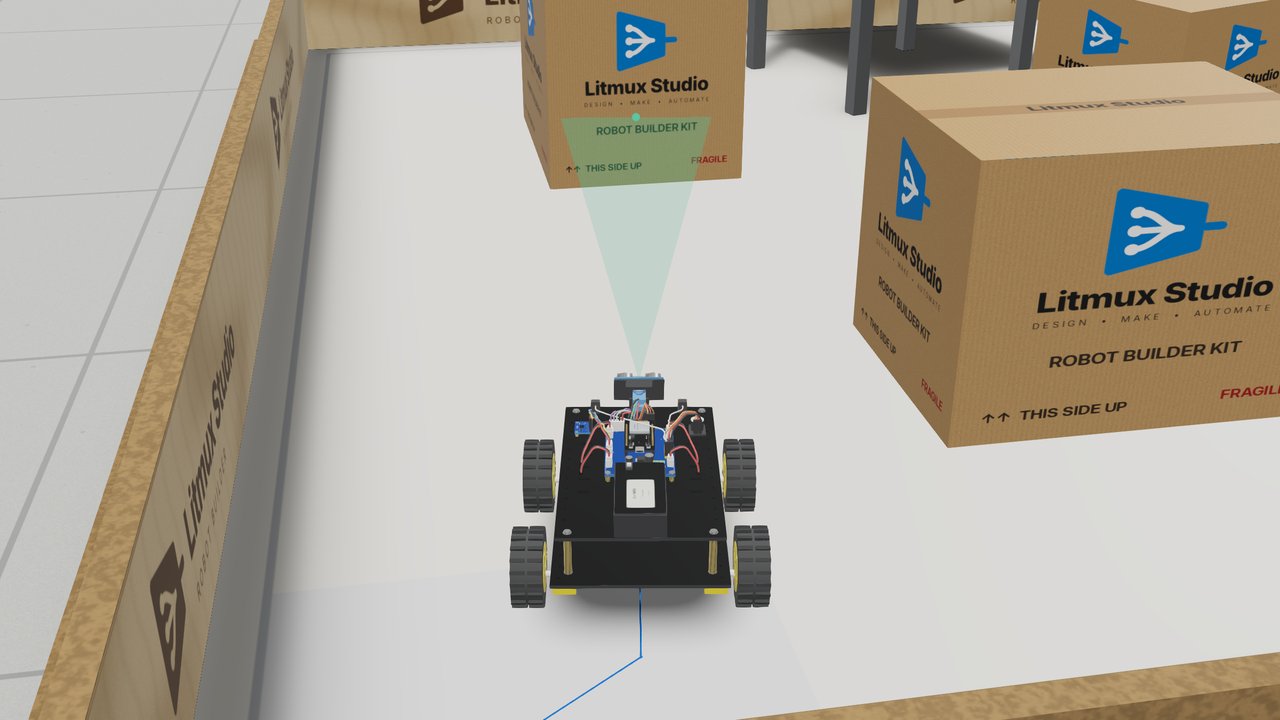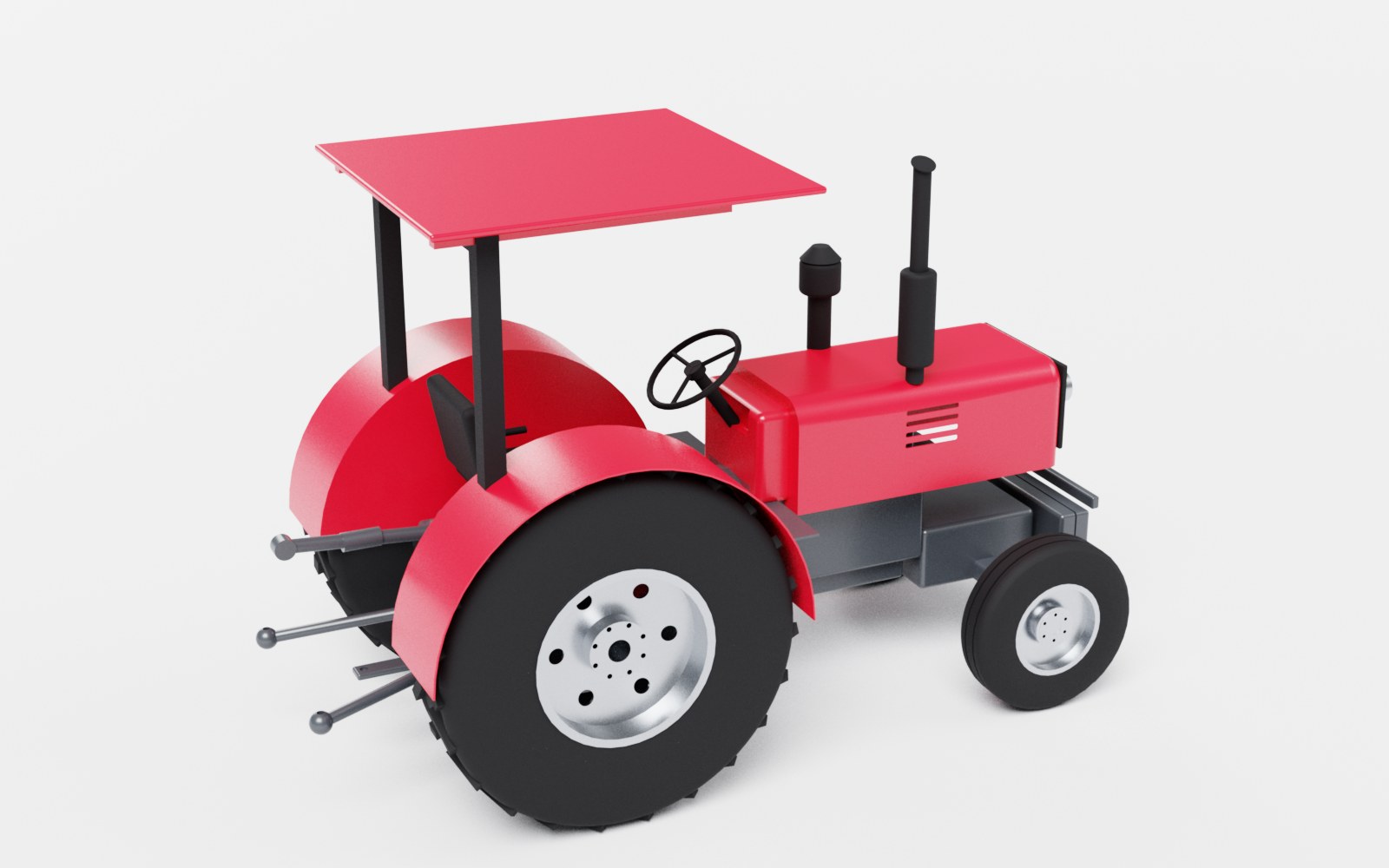
Litmux Studio 0.5: the PCB Designer, EMC and thermal analysis, editing in 3D
Sun 25 Oct 2026 · 2 min read
Litmux Studio 0.5 is our biggest update since 0.4: a full PCB design flow from the schematic to the files a factory needs, two analyses that check the board before you order it, and direct editing in the 3D CAD apps.
The PCB Designer
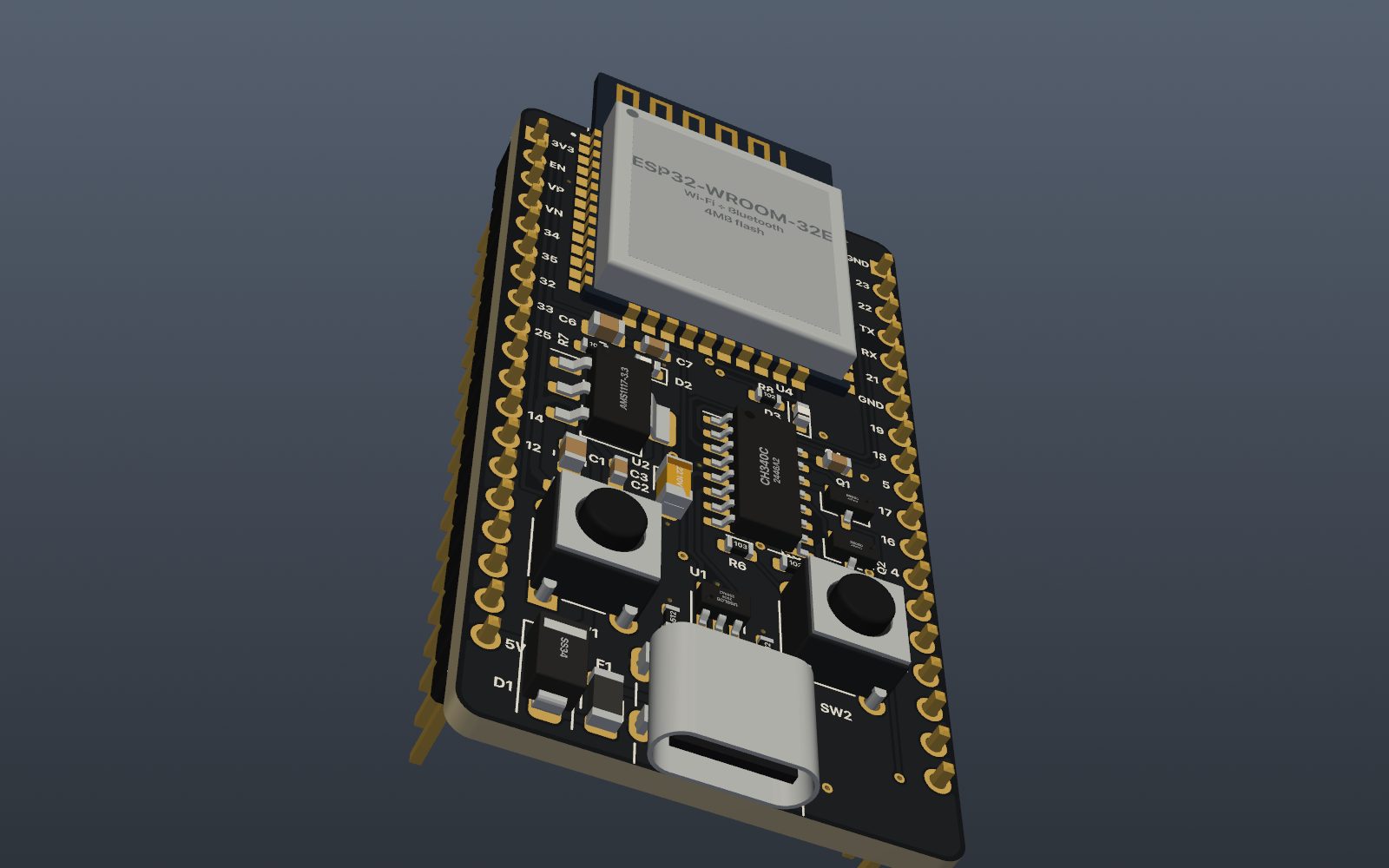
The Schematic Editor and the PCB Designer work as one project: change the schematic and the board follows, keeping every footprint where you put it. Parts come from the Litmux Library - more than 2,700 parts with symbols, footprints, 3D models and part numbers - and about 2,000 footprints generated to IPC-7351B. Route by hand, or press Autoroute: buses are routed as neat bundles, then the rest, then what is left is ripped up and re-routed. The DRC checks the board against the rules of a milling job or a 2- to 8-layer factory board, and the fabrication output writes Gerbers, drill files, the BOM and the pick-and-place file for JLCPCB. Boards also export to KiCad. More about PCB design.
EMC review and thermal analysis
Inspect → EMC review checks return paths, decoupling, board edges, stitching, antennas, ESD, crosstalk and crystals, with each finding marked on the board. Differential pair impedance comes from a 2D field solver that agrees with exact solutions to within 0.7 % in our tests. Inspect → Thermal analysis simulates the heat flow through the copper, the FR-4 and the vias and the cooling of both faces, and shows a heat map in the dialog, over the board or in 3D. Neither one guesses: what it cannot know - a part's ΨJB, the power you type - it says so. How they work.
Direct editing in 3D
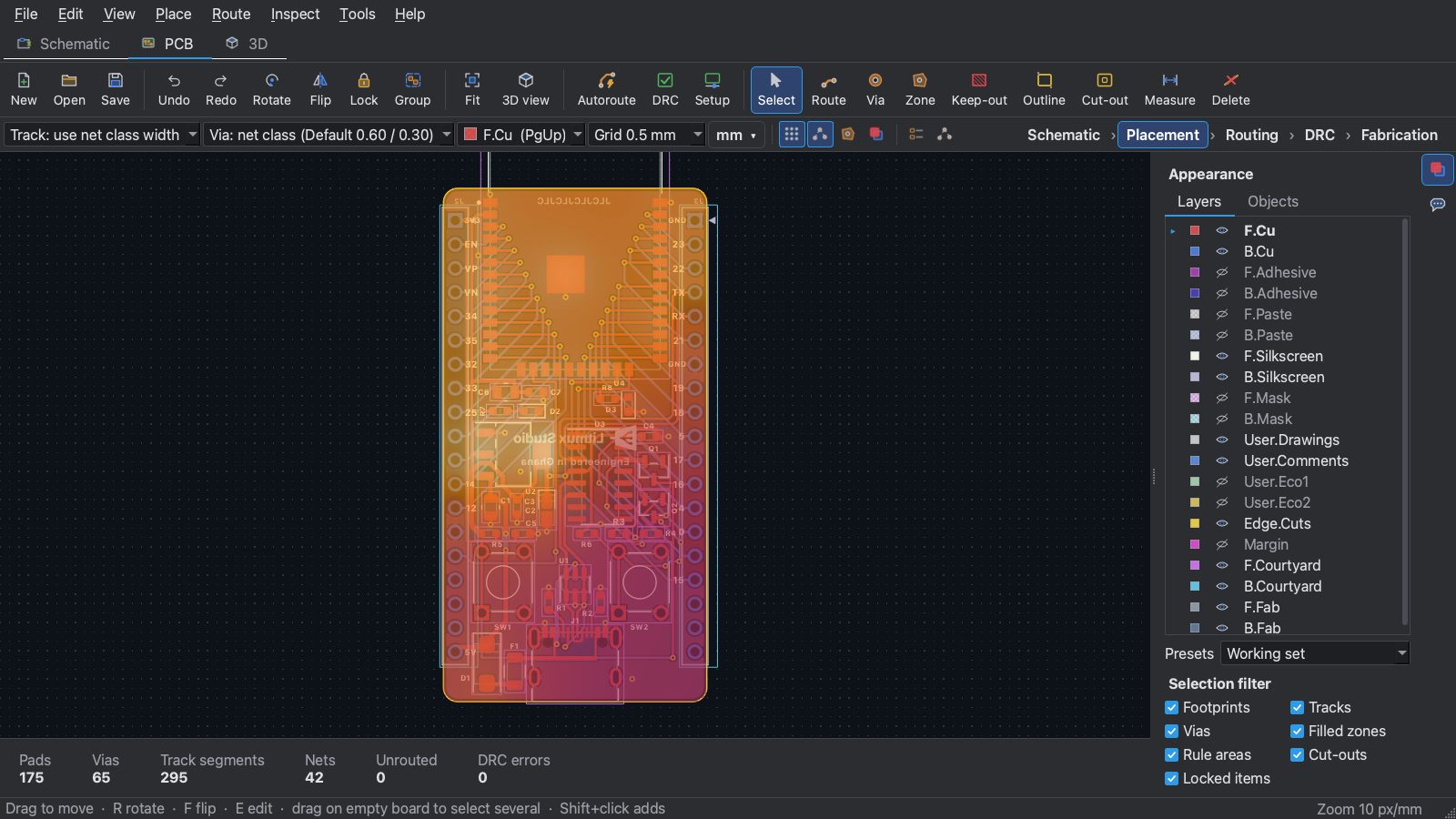
In Part Design, click a face and pull it, drag an arc or a revolve, pick edges to fillet or chamfer, and sketch on a face without leaving the 3D view - the feature tree updates, so the model stays editable. In 3D Assembly, move and turn parts with a manipulator; a part changed in Part Design updates in the assembly by itself. Every 3D view now shares the same view cube, axes, rotation and zoom. More about 3D CAD.
And more
The Plant Simulator puts you in the control room of an oil and gas production facility run by a live process simulation. Litmux AI has an offline tutor that runs on your own computer after a one-time download. And Litmux Studio starts much faster: the first start prepares its fonts once, after that it opens in a few seconds.